
Dark skies. Neon-lit streets. A cinematic portrait staring into the distance with the unmistakable grit of Los Santos. The GTA art style is one of the most iconic visual languages in gaming history — and in 2026, AI has made it possible for anyone to step into that world.
The AI GTA character generator trend is one of the most talked-about photo transformations of the year. With GTA VI building anticipation across the gaming community, creators on TikTok, Instagram, and Reddit are flooding feeds with AI-generated GTA-style portraits of themselves, their friends, and even their pets. The results — when done right — look like they belong on a loading screen.
What Is an AI GTA Character Generator?
An AI GTA character generator is a tool — powered by image generation models like GPT-4o, Stable Diffusion, or custom-trained LoRA models — that transforms photos or text descriptions into artwork styled after the Grand Theft Auto video game franchise. The best generators capture the franchise's defining visual characteristics:
Semi-Realistic Illustrated Style
Not quite photographic, not quite cartoon — sitting in the cinematic middle ground that defines GTA's visual identity.
Dramatic Lighting
Harsh shadows, rim lighting, neon reflections on skin — light that tells a story at a glance.
Urban Nighttime Backgrounds
Skyscrapers, street lights, parking lots, coastal highways — the world of Los Santos rendered in atmospheric detail.
GTA Color Grading
The warm orange-and-teal contrast that defines GTA's cinematic palette across every loading screen.
Loading Screen Composition
Subjects slightly turned, gazing into the distance with purpose — the iconic GTA protagonist framing.
Character-Specific Details
Streetwear, accessories, attitude that tells a story at a glance — the visual shorthand of GTA character design.
The difference between a mediocre GTA filter and a genuinely impressive GTA character portrait comes down to whether the AI understands the franchise's visual grammar — not just slapping a style transfer on your photo, but reinterpreting you as a character who genuinely inhabits that world.
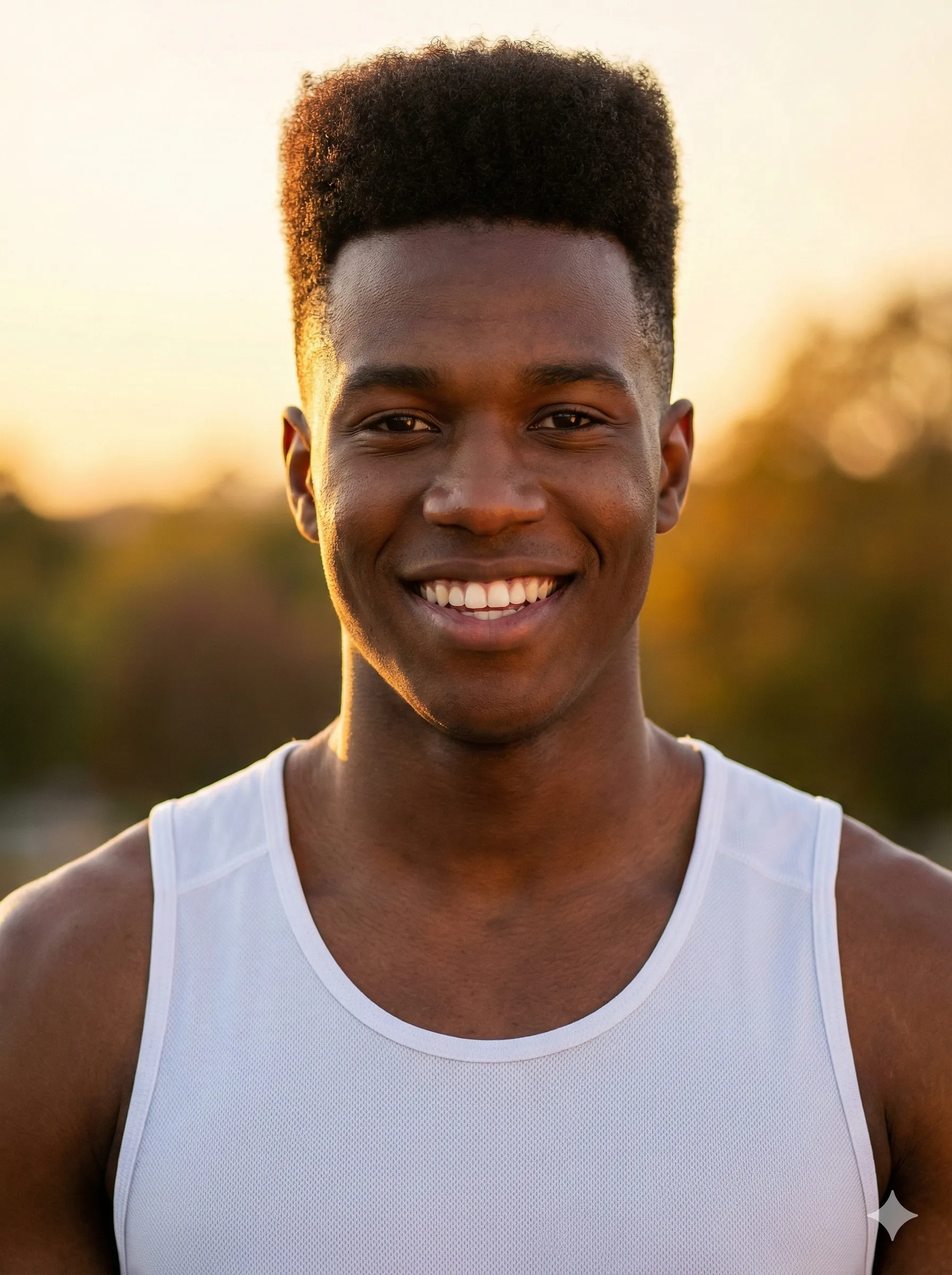
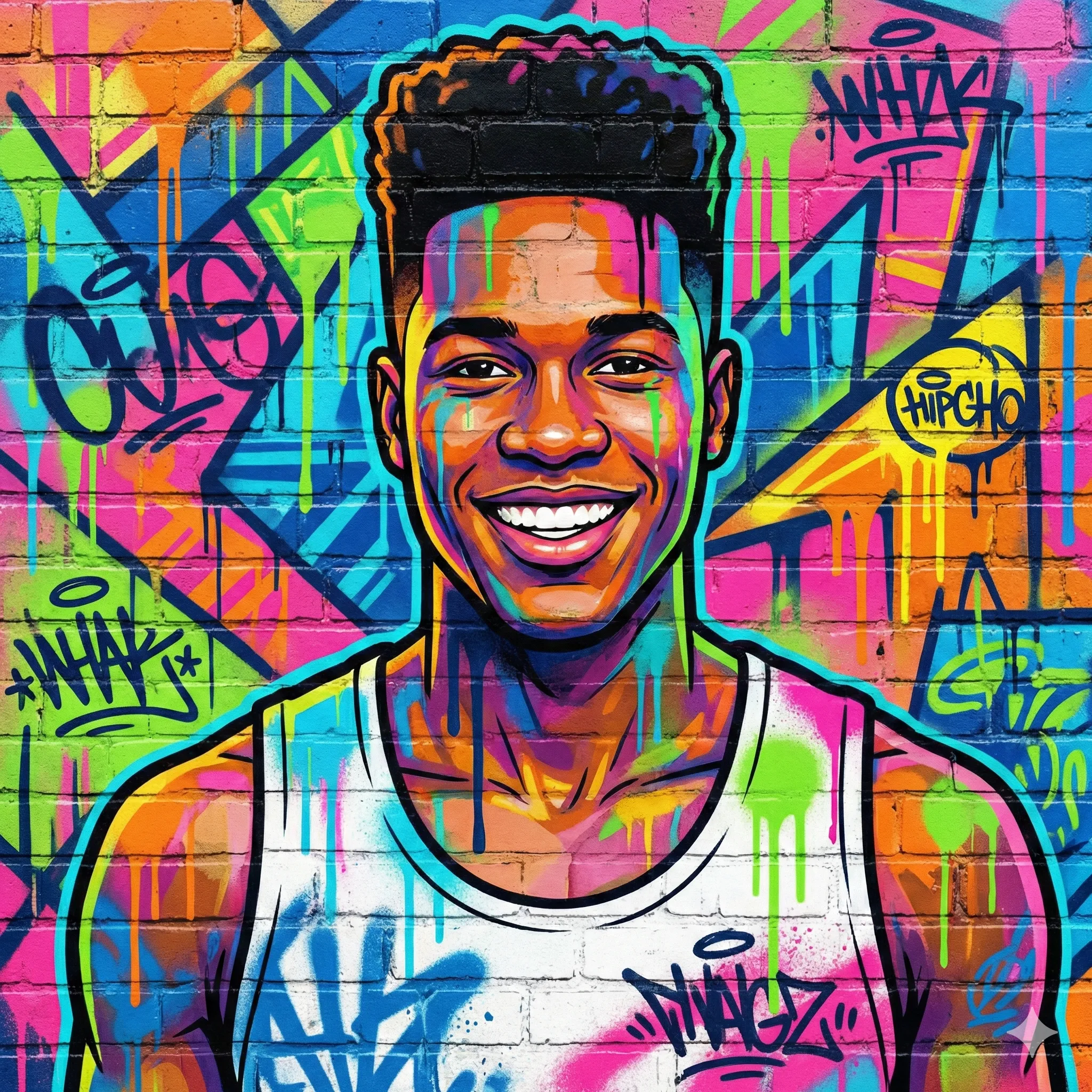
Why GTA-Style AI Art Is Exploding in 2026
Why the GTA AI Portrait Trend Dominates Social Media
| Factor | Why It Works |
|---|---|
| GTA VI anticipation | With GTA VI one of the most anticipated games in history, the franchise is top-of-mind globally |
| Cultural ubiquity | GTA has sold over 415 million copies — practically everyone has played it |
| Instantly recognizable aesthetic | The loading screen art style is globally iconic |
| Empowerment fantasy | People love seeing themselves cast as the protagonist of a GTA story |
| Cinematic quality | GTA portraits look genuinely impressive, unlike cartoonish filters |
| Social shareability | Side-by-side "real photo vs. GTA character" posts drive intense engagement |
The trigger for the 2026 surge was GPT-4o's dramatically improved image generation, which can now produce GTA-quality portraits with enough fidelity to make the transformation convincing. When early creators posted their results, the reaction was immediate: millions wanted their own GTA character portrait.
The Best AI GTA Character Generator Tools in 2026
ChatGPT (GPT-4o)
Best OverallChatGPT with GPT-4o remains the gold standard for AI GTA portraits in 2026. The model understands the GTA visual style deeply enough to apply it faithfully while preserving personal likeness.
Pros: Best style accuracy, maintains facial likeness, highly customizable prompts, free tier available.
Cons: Usage limits on free plan, results vary with photo quality and lighting.
Best for: Detailed character portraits, custom outfit and setting specifications, high-quality single images.
Best prompt structure: Upload your photo and type: "Transform this photo into a Grand Theft Auto V loading screen character portrait. Semi-realistic illustrated style, dramatic cinematic lighting with orange and teal color grading, urban night background with city skyline. The character should look like a GTA protagonist — determined expression, [describe clothing]. Dark background with atmospheric lighting."
Fotor AI GTA Filter
Easiest for BeginnersFotor offers a dedicated GTA-style filter under their AI art transformation tools. Upload your photo, select the GTA preset, and get results in seconds — no prompt engineering required.
Pros: No technical knowledge needed, fast processing, mobile-friendly interface.
Cons: Credit system limits free use, less control over specific style elements.
Best for: Quick single portraits, users new to AI image generation tools.
Krea AI (GTA Me!)
Best for Real-Time RefinementKrea's dedicated "GTA Me!" node provides real-time interactive GTA character generation. You can adjust your character in real time as Krea renders updates live.
Pros: Real-time generation, highly interactive, strong creative control.
Cons: Requires registration, real-time rendering can be demanding on slower connections.
Best for: Iterative creative sessions, users who want to fine-tune results.
NightCafe Creator
Best Stylistic VarietyNightCafe offers GTA-style generation through both their preset styles and custom prompts, with strong community sharing features.
Pros: Multiple style variations, strong community with shareable templates, credits-based free tier.
Cons: Credit system, quality varies between models.
Best for: Exploring different GTA-adjacent styles (GTA IV gritty realism vs. GTA V cinematic polish).
CartoonPerson
Best for Character ConsistencyCartoonPerson specializes in photo-to-character transformations across multiple artistic styles. For users who want their GTA portrait as part of a broader cartoon character creation workflow, CartoonPerson offers excellent results alongside other styles like anime, Simpsons, Funko Pop, and more.
Pros: Multiple cartoon and character styles in one platform, high quality output, easy-to-use interface.
Best for: Creating GTA-style characters alongside other character transformation styles, maintaining consistent output across multiple images.
Bylo AI
Best Free OptionBylo AI provides a dedicated GTA filter feature with a generous free tier, making it accessible without payment barriers.
Pros: Generous free usage, straightforward interface, decent quality.
Cons: Less control than ChatGPT, occasional queue delays.
Best for: First-time users who want to try GTA-style AI art without committing to paid tools.
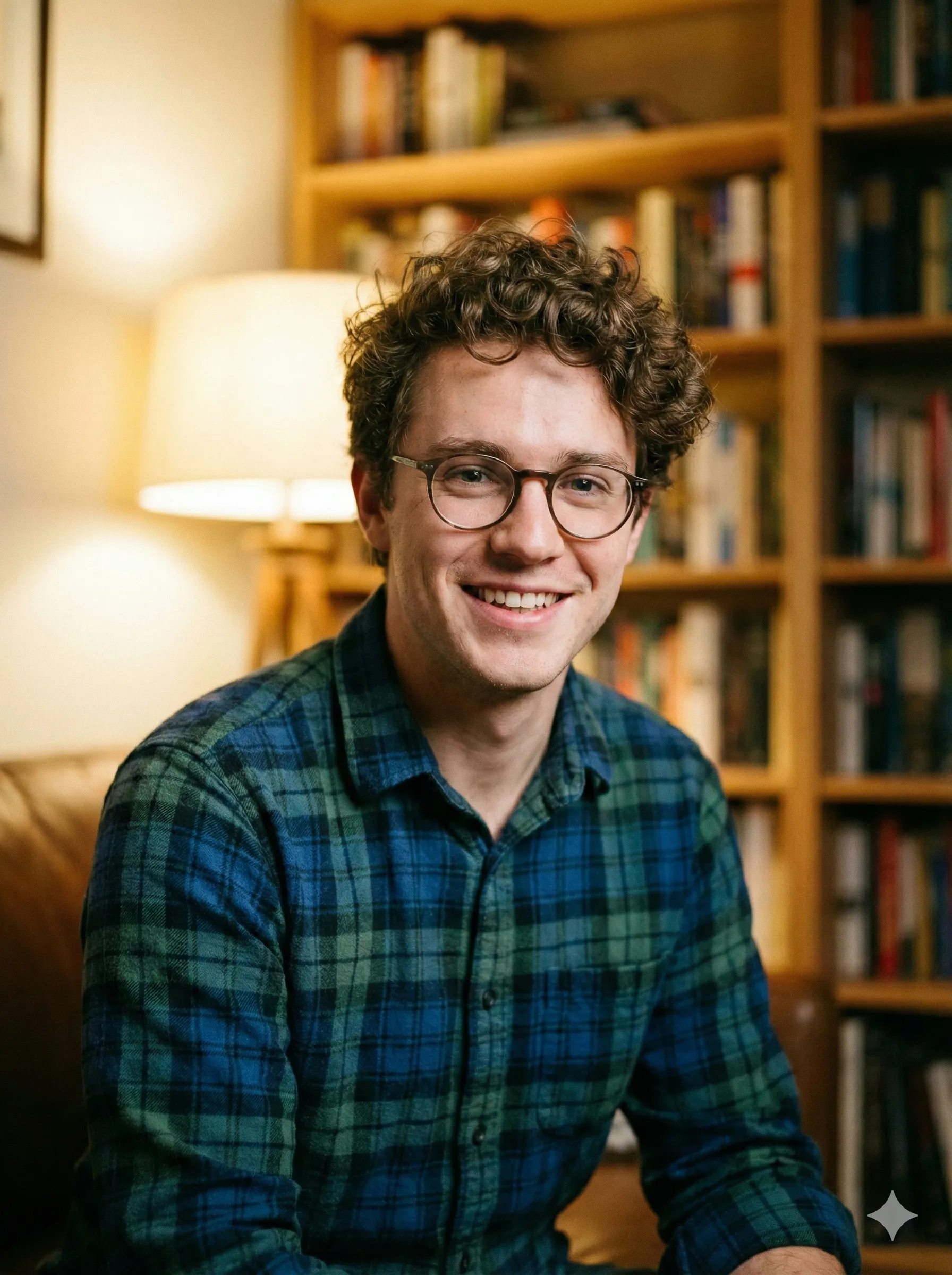
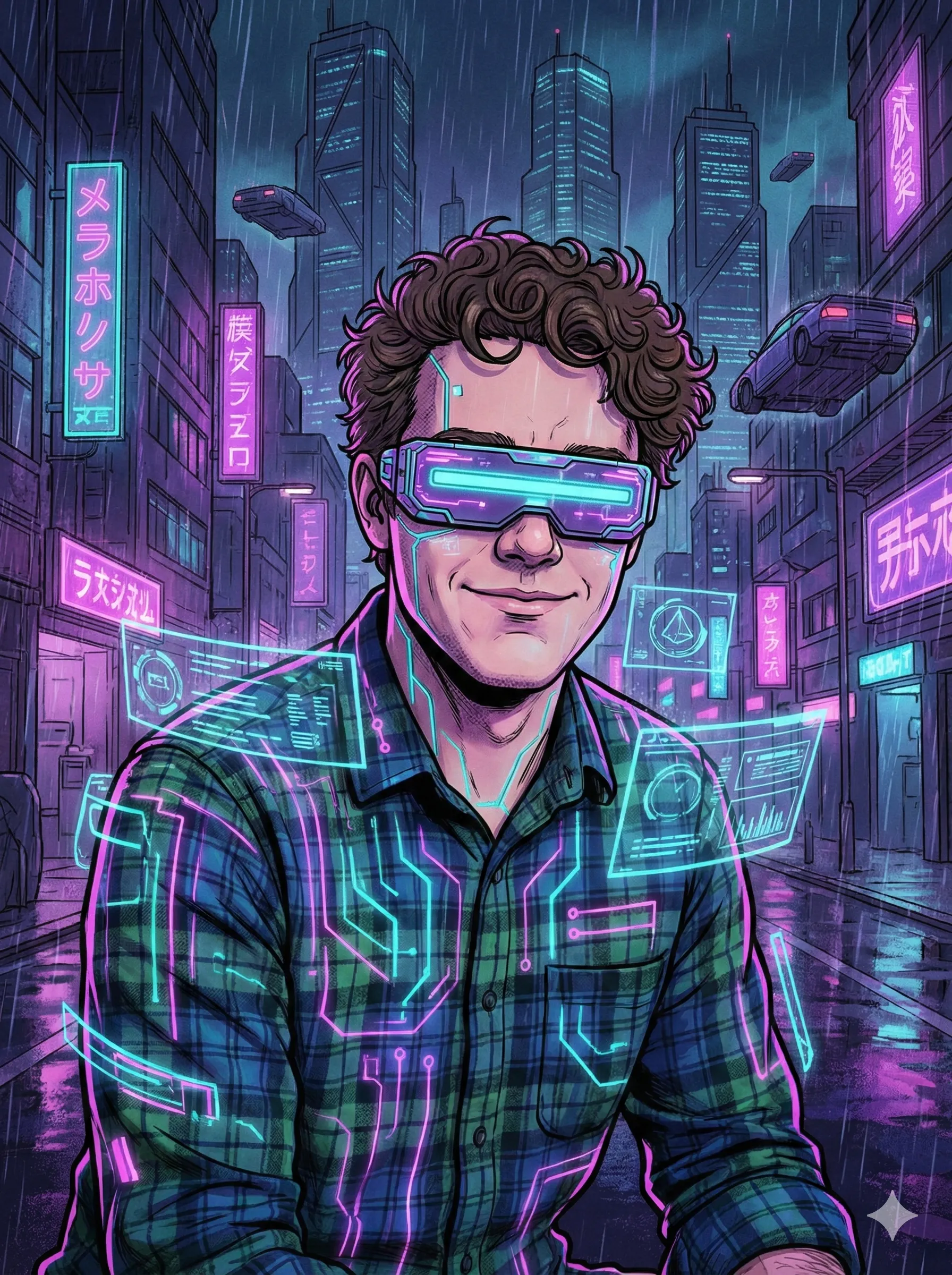
Step-by-Step: Create Your GTA Character Portrait
Using ChatGPT (GPT-4o)
Open ChatGPT and ensure you're using GPT-4o (the default model in 2026). Upload your photo — best results come from clear lighting and a front-facing or three-quarter angle. Use this prompt template:
"Transform this into a Grand Theft Auto V loading screen character portrait. Style: semi-realistic illustrated, cinematic, dramatic lighting. Orange and teal color grading. Urban nighttime setting — city skyline in background, neon reflections. Character clothing: [describe what you want to wear, e.g., 'leather jacket, dark jeans']. Expression: confident, focused, gazing slightly to the left. The composition should look like official GTA V loading screen art."
Review and iterate — if the likeness isn't accurate enough, re-upload and specify facial features more precisely. Download the highest quality version available.
Using Fotor GTA Filter
Go to Fotor's AI Art generator and upload your photo — clear, well-lit frontal portraits work best. Select "GTA Filter" or "Game Character" from the AI art style presets. Adjust intensity if the slider is available. Generate and download.
Using Krea AI
Open Krea and navigate to the "GTA Me!" node. Upload your reference photo. Adjust the style strength slider — 70–85% preserves likeness while applying strong style. Use real-time mode to see changes as you adjust prompts. Download your final portrait.
Best Prompts for GTA-Style AI Art
The difference between a generic "make this look like GTA" result and a genuinely cinematic portrait comes down to prompt specificity. Here are proven prompt templates:
The Classic Loading Screen Portrait
"Grand Theft Auto V loading screen character portrait. Semi-realistic illustrated art style. Subject is [gender, approximate age], wearing [clothing description]. Dramatic cinematic lighting — orange rim light from right, cool teal ambient from left. Urban night setting — blurred city lights background. Confident expression gazing slightly into distance. Rockstar Games art style."
The Wanted Poster Edition
"GTA-style character portrait, cinematic graphic novel aesthetic. Subject wearing [description]. Background: grimy urban alley, rain-slicked pavement reflecting neon signs. High contrast shadows, gritty photorealistic illustration. Los Santos aesthetic, GTA V visual language."
The Protagonist Reveal Shot
"Video game protagonist reveal art in Grand Theft Auto V style. Character: [description]. Composition: dramatic low angle looking up at subject. City skyline at night in background — skyscrapers, lights, coastal highway. Hero lighting — warm golden orange from one side, deep shadows. Semi-realistic, illustrated, cinematic quality."
The Gang Member Card
"GTA character card art style. Full body portrait of [description] standing confidently in urban setting. Night scene — parking lot with muscle cars in background. Cinematic illustrated style, dramatic lighting, Rockstar Games aesthetic. Loading screen composition."
Creative Ways to Use Your GTA Portrait
Social Media Makeovers
Replace your LinkedIn profile photo with your GTA character during GTA-related viral moments — creator reports cite 3–5x more engagement than standard headshots.
Friend Group Loading Screens
Create a matching set of GTA portraits for your entire friend group, styled as if you're all the cast of the same GTA story. These sets go viral as carousel posts.
Pet Characters
A golden retriever rendered as a GTA loading screen character — wearing a tiny leather jacket, gazing soulfully into a neon-lit cityscape — is peak internet content.
Character Creator Mockups
Use your AI GTA portrait as reference art when creating characters in actual GTA Online, ensuring your in-game character matches your artistic vision.
Custom Gifts
Print your GTA portrait on a poster or phone case as a personalized gift for gaming friends. Custom print services accept high-resolution AI art.
Gaming Team Branding
Esports teams use matching GTA-style character portraits as team branding — cohesive, visually striking, and immediately communicates gaming credibility.
GTA Art Style: Understanding the Aesthetic
To get the best results from any AI GTA generator, it helps to understand what makes the GTA visual style distinctive.
The Color Palette
GTA's signature palette uses the classic cinematic "orange and teal" color grade — warm orange lighting (car headlights, streetlamps, setting sun) contrasted with cool teal or blue ambient light (night sky, neon signs, shadows). This combination creates the hyperreal, almost-but-not-quite-photographic look of the franchise's loading screen art.
The Lighting Philosophy
GTA character portraits almost always feature hard, directional lighting — not the flat, even illumination of a studio portrait, but dramatic, story-telling light that comes from a specific point in the environment (headlights, a streetlight, an explosion). This creates deep shadows that make faces look more angular and cinematic.
The Composition Rules
Loading screen characters are rarely centered symmetrically. They're usually turned 15–30 degrees, gazing slightly to one side — a composition that suggests movement, purpose, and narrative. The background is almost always slightly blurred or stylized, keeping focus on the character.
Semi-Realistic, Not Cartoon
GTA's art style occupies a specific zone between photorealism and illustration. It's more detailed than a cartoon but more stylized than a photograph — faces have exaggerated bone structure, clothing has exaggerated texture detail, lighting is more dramatic than real life would produce.
Tips for Getting the Best Results
Pro Tip
Pro Tip
Don't leave it to chance — specify the clothing you want your character to wear
Describe your outfit
The background transforms the character's story: try 'abandoned warehouse,' 'luxury penthouse,' or 'coastal highway at night'
Iterate on backgrounds
'Stoic,' 'smirking,' 'intense focus,' and 'cold stare' all produce distinct character personalities
Try different expressions
Use free upscaling tools after generation to get print-quality resolution
Upscale your result
GTA Character Generator FAQ
Will the AI preserve my face accurately?
Results vary significantly by tool. ChatGPT with GPT-4o offers the best likeness preservation — it genuinely re-renders your facial features in the GTA style rather than simply applying a filter. Preset-based tools like Fotor are faster but may sacrifice likeness accuracy.
What photo works best?
Use a well-lit, clear frontal or three-quarter angle portrait. Avoid harsh direct flash (which creates flat, unflattering lighting in the source photo), very dark photos, or heavily filtered selfies. Natural window light produces excellent base photos.
Can I use the results commercially?
Commercial use policies vary by tool. ChatGPT's terms allow personal use of generated images. For commercial applications (merchandise, marketing), review each platform's specific terms. Note that recreating actual GTA game content or mimicking official Rockstar Games branding raises separate trademark concerns.
Is the GTA VI art style different from GTA V?
Based on trailers and promotional materials, GTA VI features a warmer, more vibrant color palette compared to GTA V's cooler tones — reflecting the Florida/Vice City setting. When prompting for GTA VI aesthetic, specify "warm Vice City sunset tones, vibrant tropical colors, GTA VI art style" rather than the cooler, grittier GTA V palette.
How long does generation take?
ChatGPT: 15–30 seconds per image. Fotor: 10–20 seconds. Krea real-time: near-instant updates. NightCafe: 30–60 seconds depending on queue.
Can I generate full-body GTA characters?
Yes, though quality drops compared to portrait shots. Specify "full body portrait" in your prompt and provide a full-body reference photo. Fotor and ChatGPT both handle full-body GTA generation reasonably well.
Ready to transform your photo into a cinematic GTA character? Whether you're using ChatGPT for maximum control, Fotor for quick results, or CartoonPerson for a full character creation experience — 2026's AI tools make it easier than ever to step into the world of Grand Theft Auto. Try it today and see which version of your GTA self has the most street cred.

