
Make a Cartoon PFP from Your Photo
Upload a selfie, pick a style, and get an original cartoon profile picture that is easy to crop square or round for Twitter/X, Instagram, TikTok, LinkedIn, Discord and Twitch — ready in a few minutes.
- Easy to crop square or round for any social platform
- 23 art styles — pick the look that matches your vibe
- Sign in with Google or email and generate in a couple of clicks
- Resolution requested: 2K resolution with KIE (the returned size can vary), ready to crop for any platform
- High-contrast styles that stay legible in dark-mode chat apps like Discord and Twitch
Sample details
- Style preset
- Chibi
- Sample size
- 2048 × 2048 px (measured)
- First recorded in repository
- 2026-02-02
- Default generator (site configuration)
- nano-banana-2, via kie, 2K requested (in our code since 2026-04-13)
- Input photo
- not shown
This sample predates the current generator, so new results may look different.
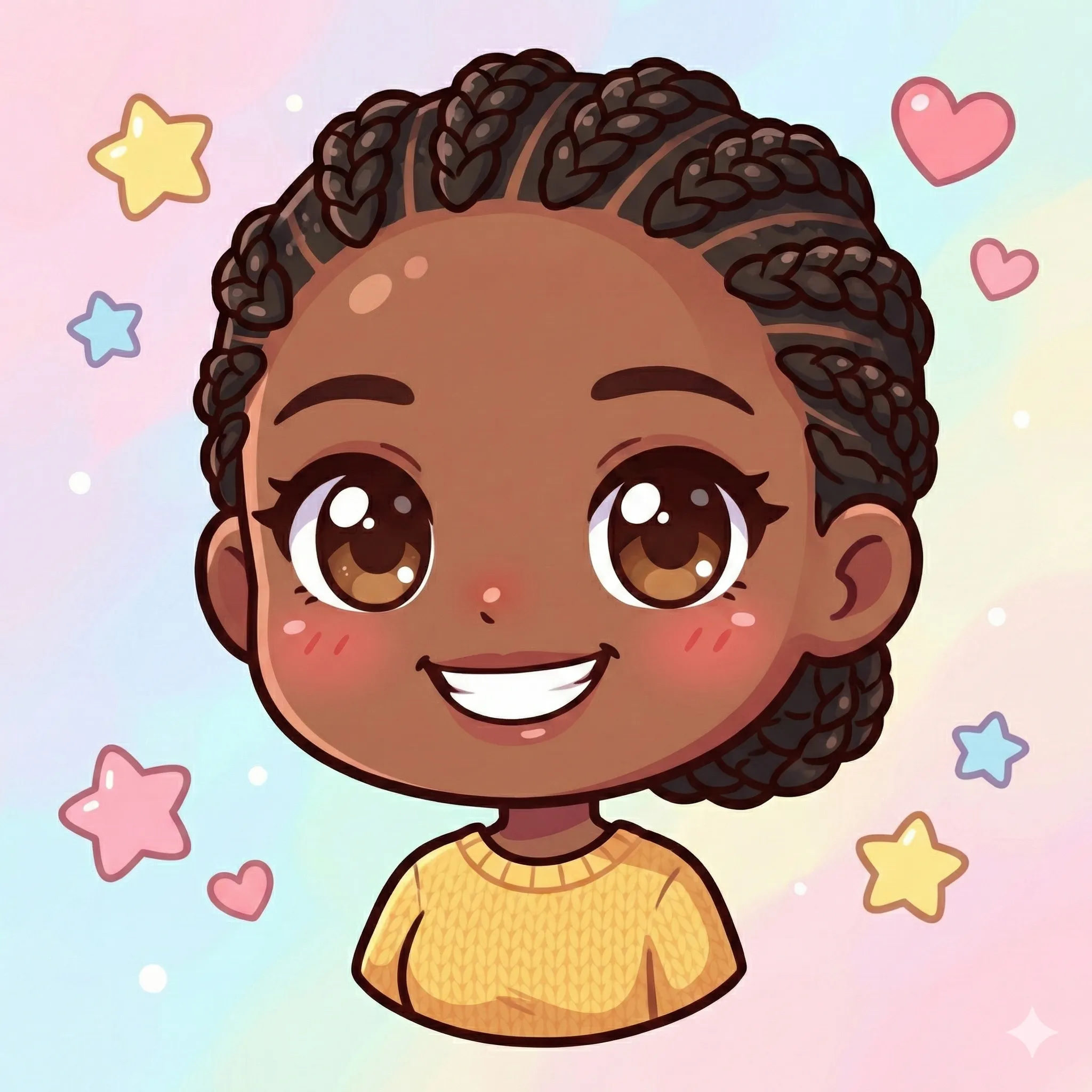 AI-generated sample · fictional character🎮 Cartoon PFP Maker
Why Cartoon PFP Maker?
A profile picture is the single most-seen piece of content you own — it appears every time you post, comment, message, or stream. A blurry selfie or default avatar quietly costs you connection. A cartoon PFP solves three problems at once: it looks intentional, it carries your own photo's hair, outfit and expression into an original illustration, and it gives platforms a high-contrast thumbnail that still reads at 32×32 pixels.
Cartoon avatars also dodge the cold, AI-rendered "fake person" look that pure text-to-image generators produce. CartoonPerson uses your photo as a reference for hair, clothing, pose and expression and renders an original stylised portrait from it — your photo guides the portrait; likeness varies by style and photo. That personal starting point is what makes the PFP feel like your own brand asset rather than a stock avatar.
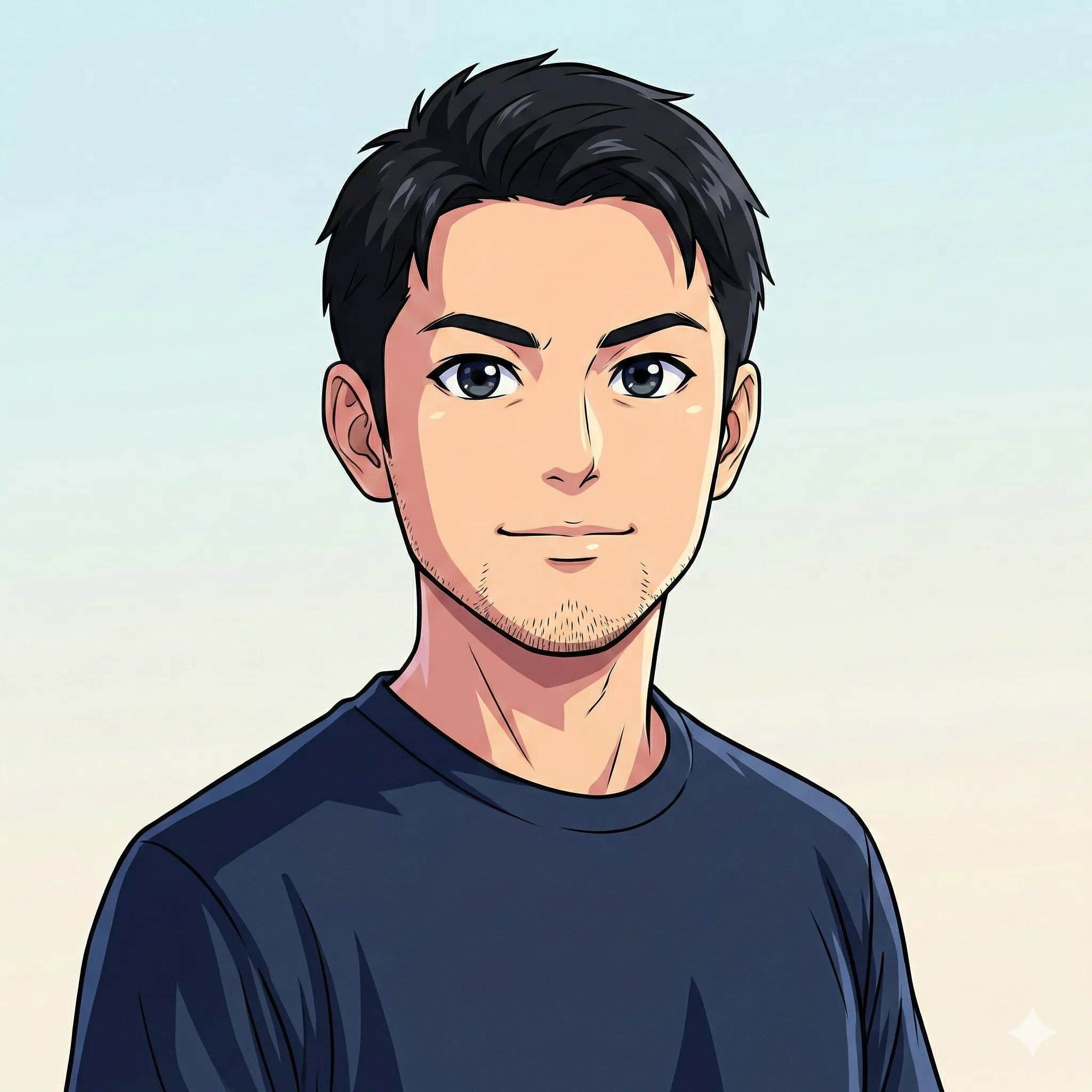
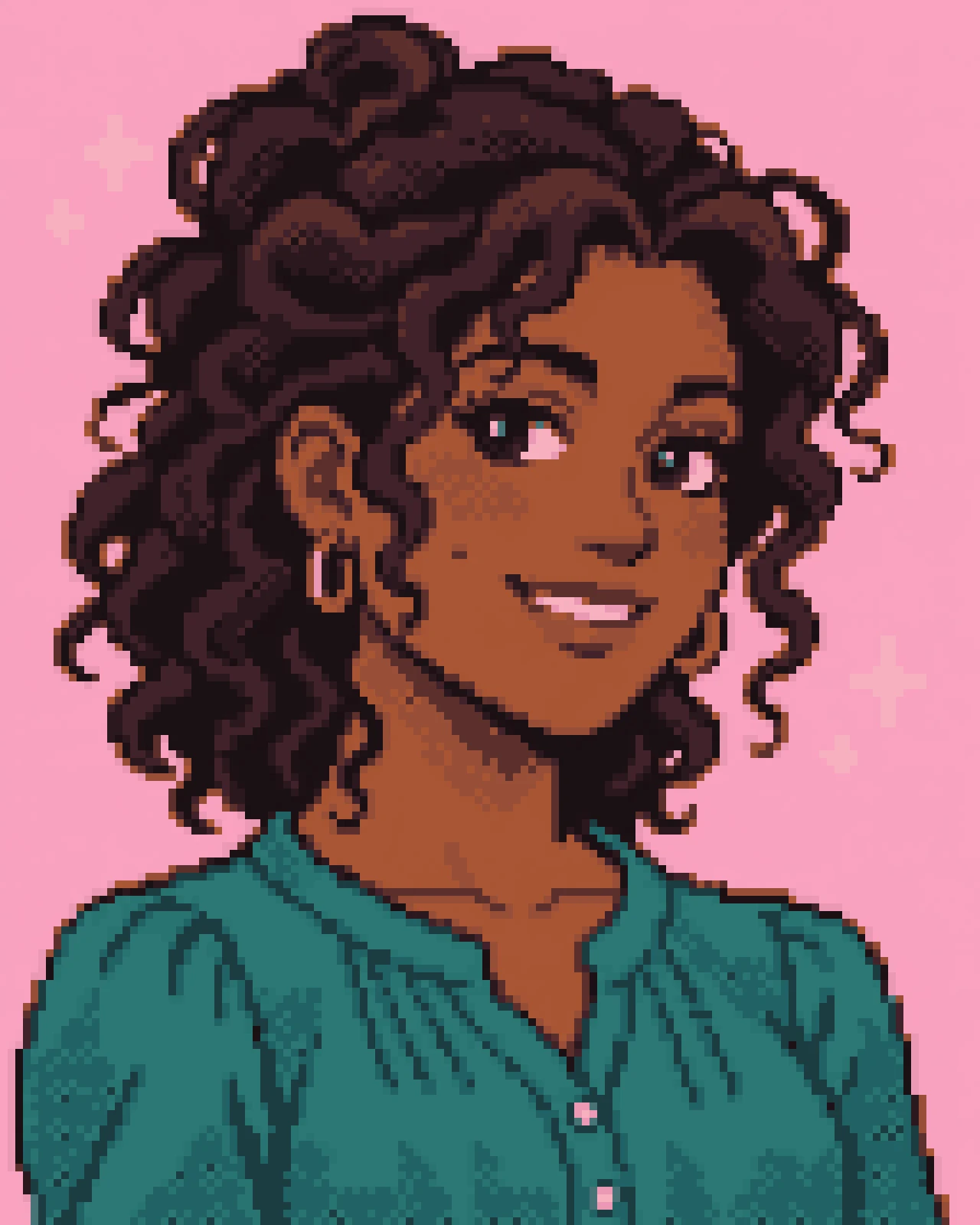
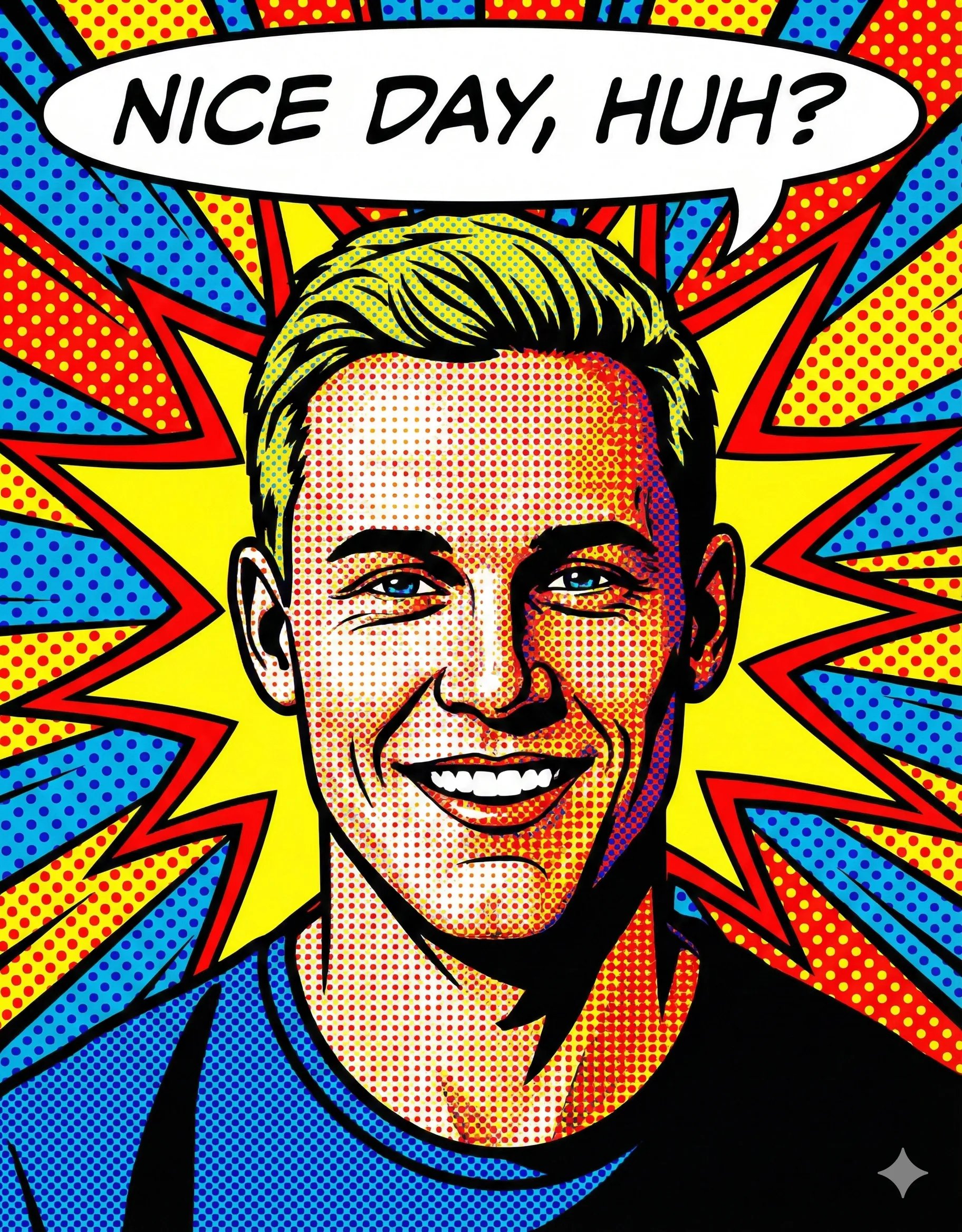
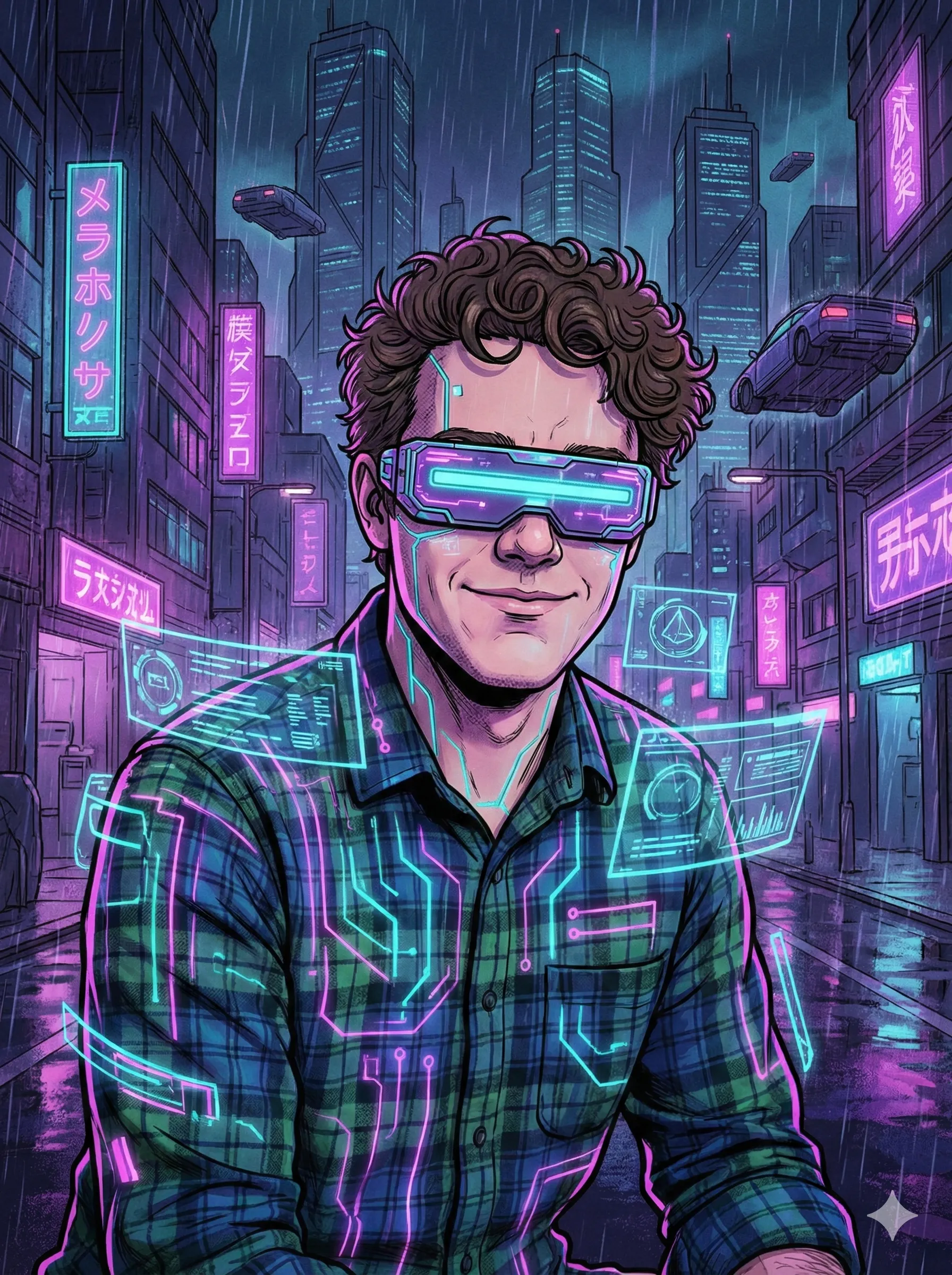
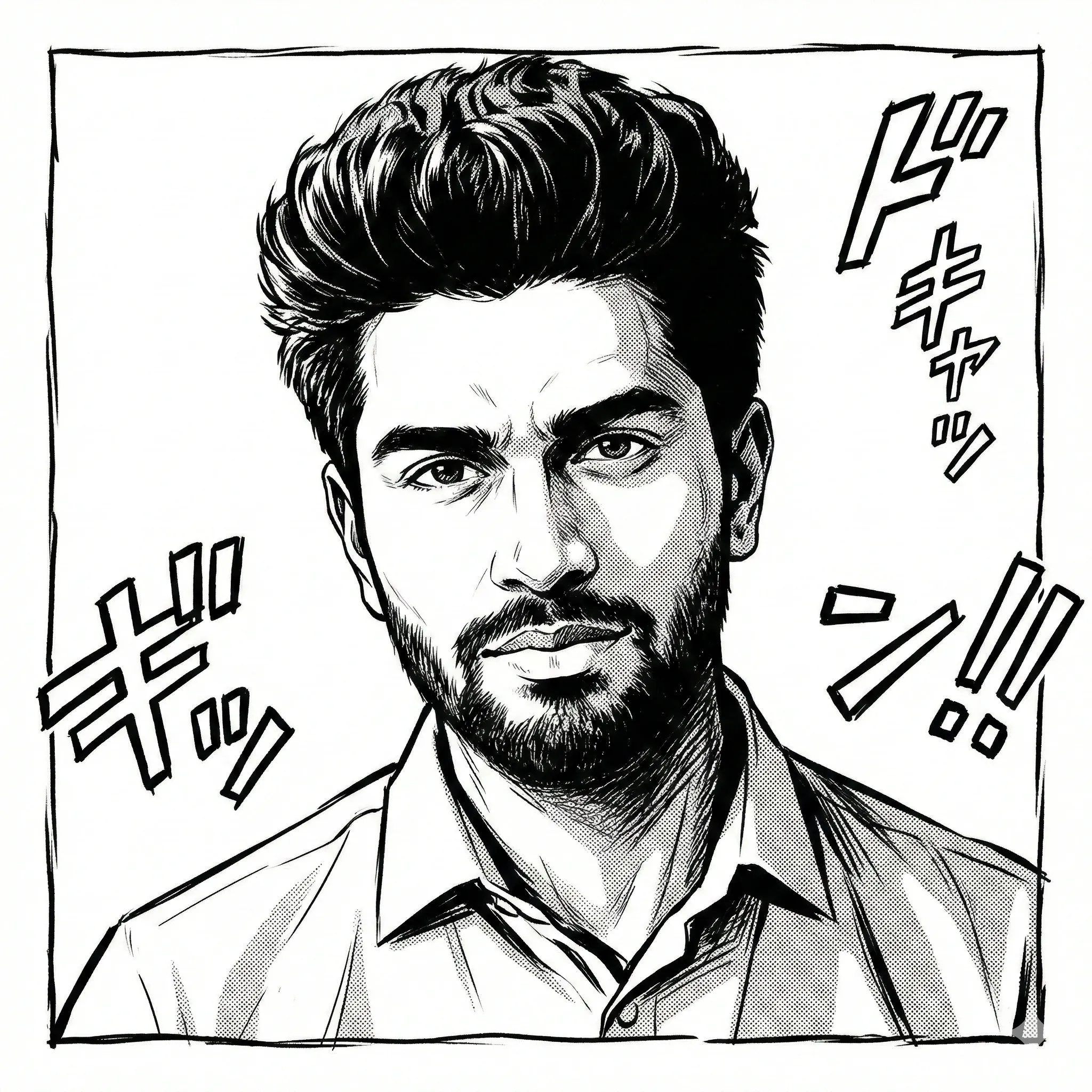
Discord and Twitch add one more constraint: avatars are shown as small circles on a dark background. Soft watercolour avatars tend to disappear into the chat list, while high-contrast styles with a simple silhouette and bold colour — Pixel Art, Chibi, Neo Anime, Cyberpunk, Comic Line, Pop Art — hold up. Keep yourself centred in the source photo with a little headroom so the circle crop does not clip the hair.
Best Styles For Cartoon PFP Maker
Hand-picked from our 23 art styles — click any to see examples.
How Cartoon PFP Maker Works
Three steps: upload, pick a style, download.
Upload your selfie
Front-facing, well-lit photos give the cleanest cartoon read. Sunglasses and heavy filters can be removed later, so use the clearest shot you have.
Pick a PFP style
Chibi and Neo Anime read best on small thumbnails. Pixel Art is the most "internet-native" pick. Classic 2D Animation and Pop Art skew friendlier; Cyberpunk skews edgier.
Download and post
Download the high-resolution image, crop it square (or round) in any editor, and upload it — platforms downscale it automatically. For Discord use 128×128 or larger; for Twitch 256×256 or larger.
Cartoon PFP Maker Features
Legible at thumbnail size
High-contrast shape language and bold colour palettes are tuned to stay legible at the 32–64px sizes Twitter, Discord, and Slack actually render avatars at.
Guided by your photo
The AI uses your photo as a reference — hair, glasses, clothing, pose and expression guide the illustration, which is then rendered as an original stylised portrait. Likeness varies by style and photo.
Drawn as a cartoon, not a photo filter
Every style redraws your photo as an illustration with flat colour and clean outlines, so the avatar reads as a deliberate cartoon. AI output can still show flaws such as odd hands or details, so check the result before posting.
Who Cartoon PFP Maker Is For
Cartoon PFP Maker FAQ
Most platforms accept anything from 200×200 up to 1024×1024 and downsize internally, but 800×800 or 1024×1024 PNG/JPG is a safe default that stays sharp on Retina screens. CartoonPerson requests 2K resolution with KIE; the returned size can vary. Check the downloaded dimensions before cropping for Twitter (400×400), Instagram (320×320), LinkedIn (400×400), Discord (128×128), and Twitch (256×256) without re-uploading.
Pick a high-contrast style. Pixel Art, Cyberpunk, Comic Line and Pop Art keep a strong silhouette against Discord's near-black UI and Twitch's dark panels. Watercolour and Doodle are lower-contrast and tend to fade into the background, so we do not recommend them for chat avatars.
Your photo guides the portrait — hair, glasses, clothing, pose and expression are used as references for an original stylised illustration. Likeness varies by style and photo: Chibi exaggerates proportions, Pop Art flattens colour, Neo Anime simplifies features. If a result is not what you wanted, re-generate or try another style.
Yes. Every credit pack and plan allows personal and commercial use of the images you generate — your own social profiles, Twitch overlays, monetised channels, merchandise and brand work. See the Terms of Service for the full wording.
The model paints a full background in the chosen art style. If you need a transparent version, run the downloaded image through any background-removal tool — bold cartoon outlines cut out cleanly, ready for circle crops, layering on a brand colour, or compositing into a banner.
The cartoon styles forgive a lot — moderate compression, low light, and small resolutions still produce a usable result because the model rebuilds the image rather than upscaling it. The two things that hurt quality most are heavy motion blur and a face that takes up less than ~10% of the frame.
Ready to start?
Cartoon PFP Maker🎮
Upload a photo and get an original cartoon you can actually use, ready in a few minutes.