Build the Perfect Discord Avatar from Your Photo
Cartoon avatars styled for Discord, Twitch, Telegram and Slack. One 2K high-resolution download covers every platform size, with styles that survive the dark-mode UI.
- One high-res download covers Discord (128×128), Twitch (256×256) and beyond
- Crisp square output that crops cleanly into circle avatars
- High-contrast styles tuned for dark-mode chat UIs
- Crop the same portrait yourself for banners, emotes and stickers
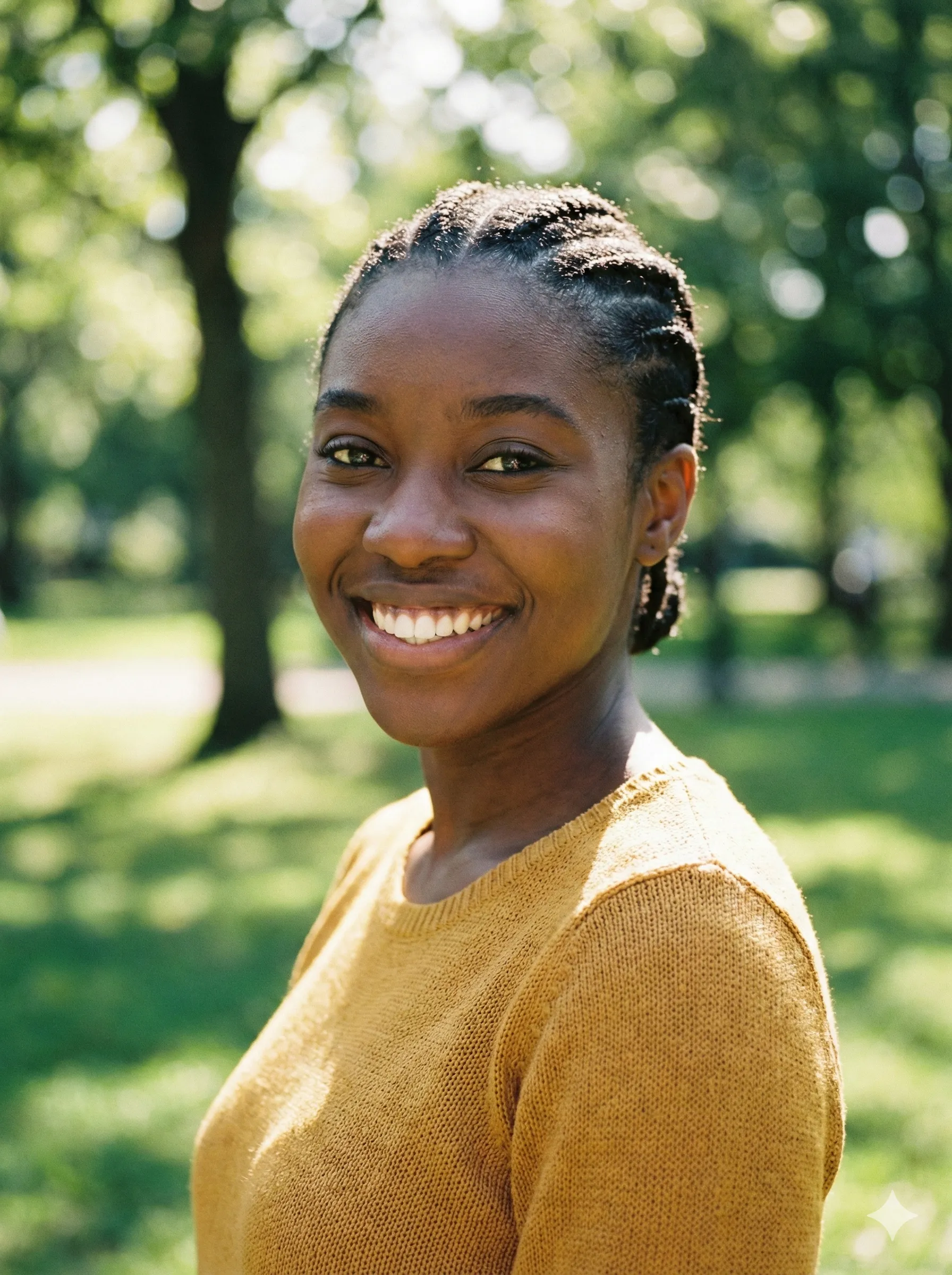 📷 Before
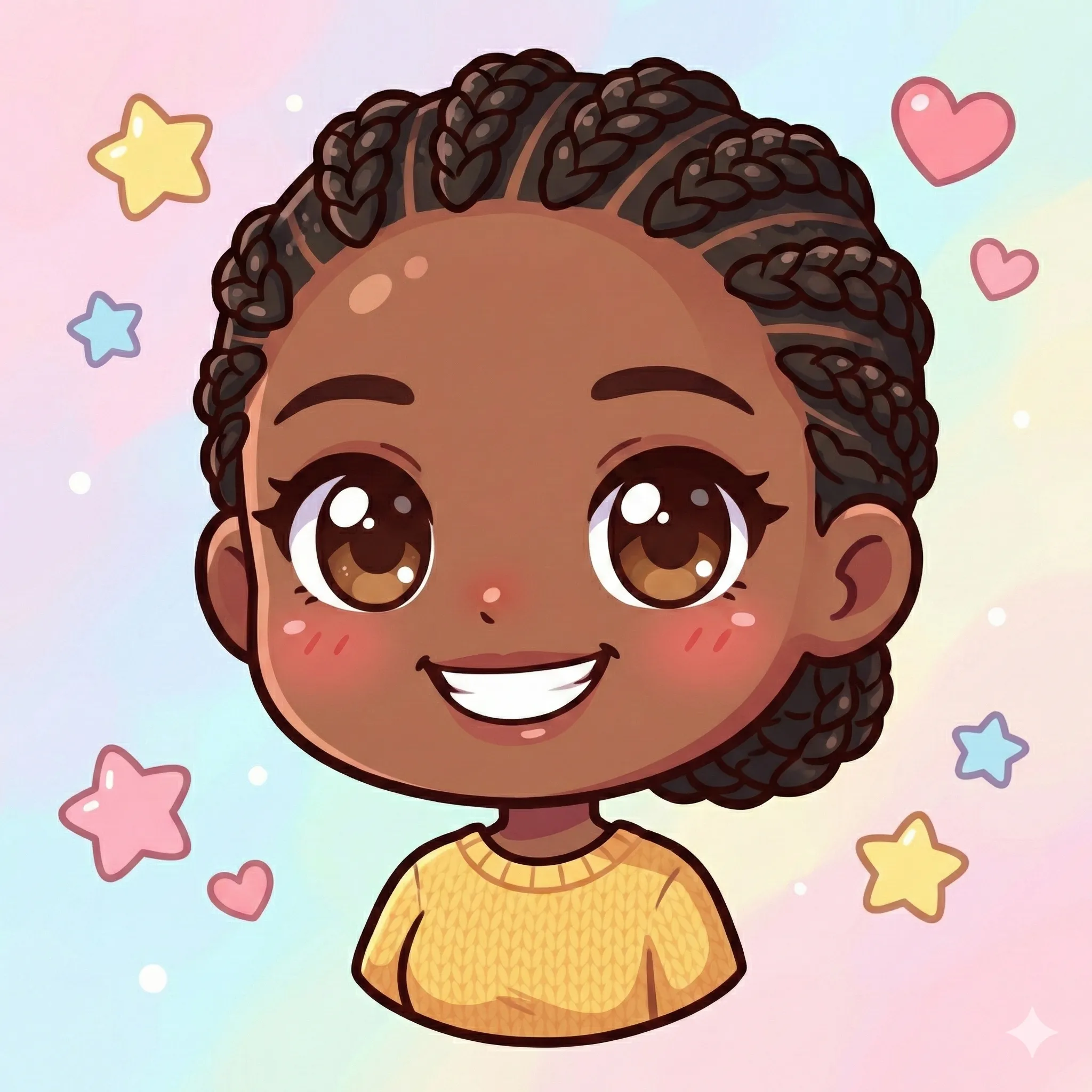 🎧 After
Why Discord Avatar Maker?
Discord and Twitch render avatars as small circles on a dark background. That single fact eliminates a lot of styles: photorealistic renders blur to mush at 32px, soft watercolour avatars disappear into the chat list, and detailed Cyberpunk overrenders compete with the UI itself. The avatars that actually work on these platforms share three traits — high contrast, simple silhouette, and bold colour.
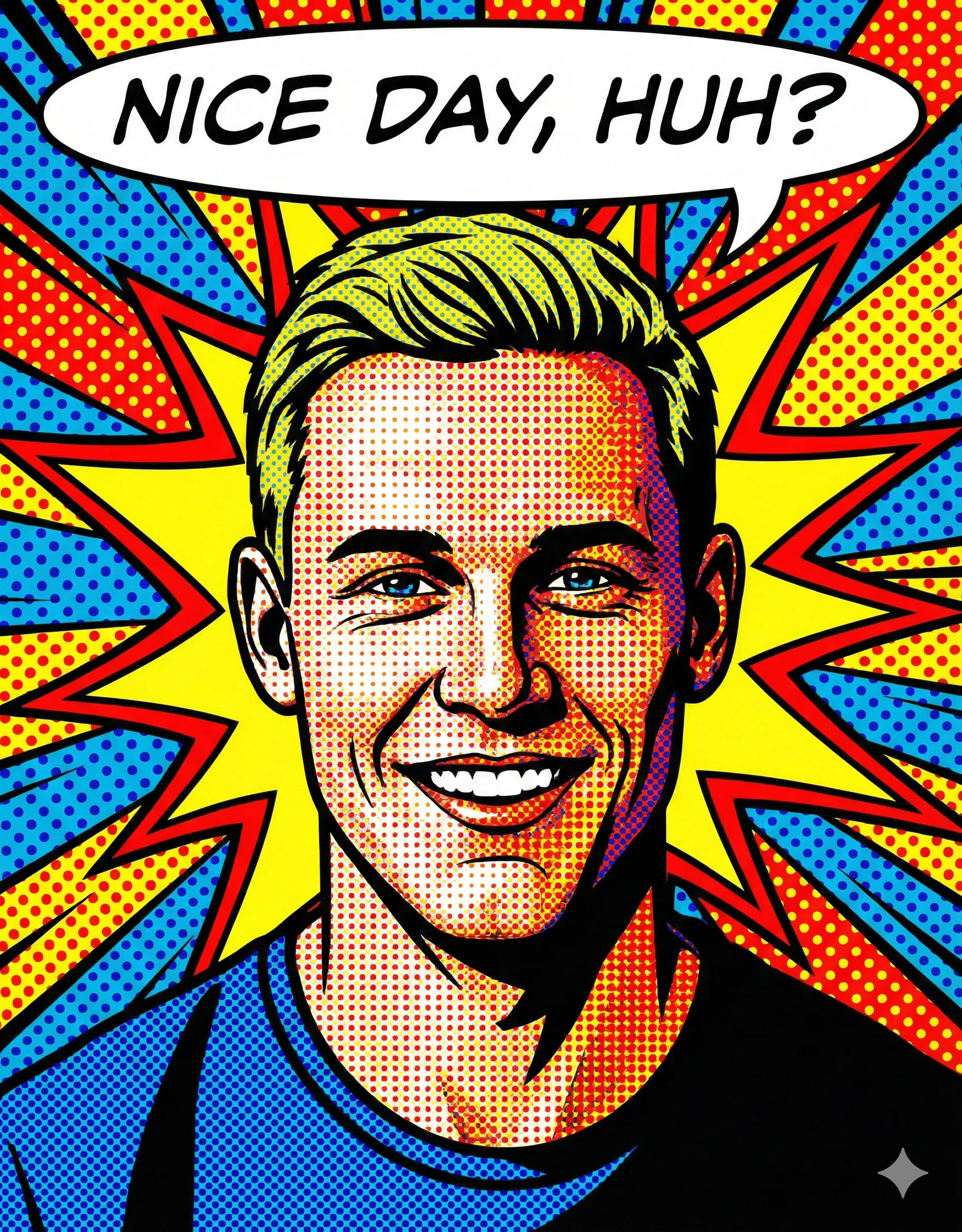
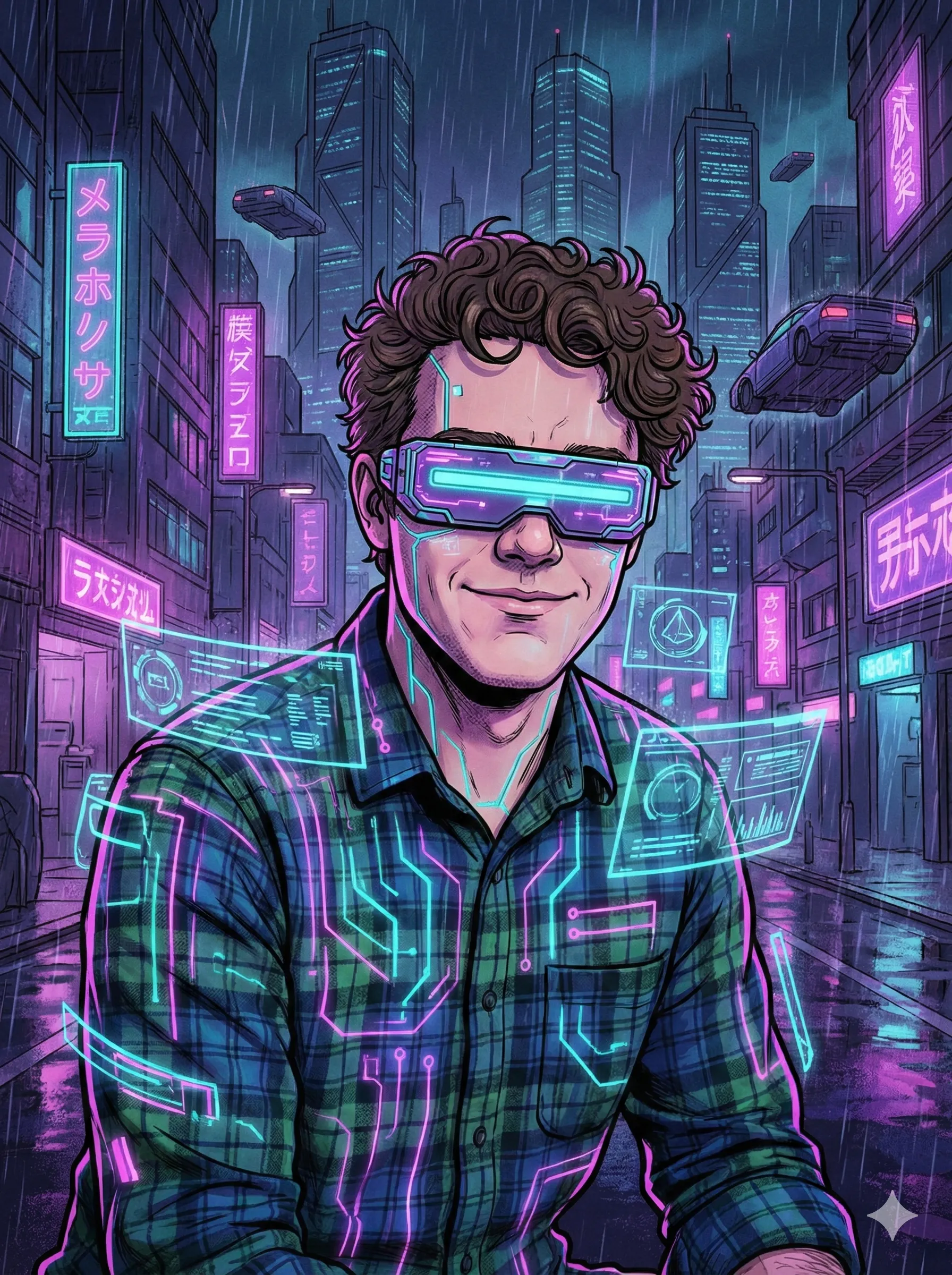
A cartoon PFP is the cleanest path to all three. Pixel Art is iconic on Discord; Neo Anime and Chibi pop on Twitch; Cyberpunk and Pop Art read well on dark UIs because they were designed with strong colour separation. CartoonPerson lets you generate the avatar, swap styles with a quick re-generation, and download a square image you can crop for the platform you actually use.
Best Styles For Discord Avatar Maker
Hand-picked from our 24 art styles — click any to see examples.
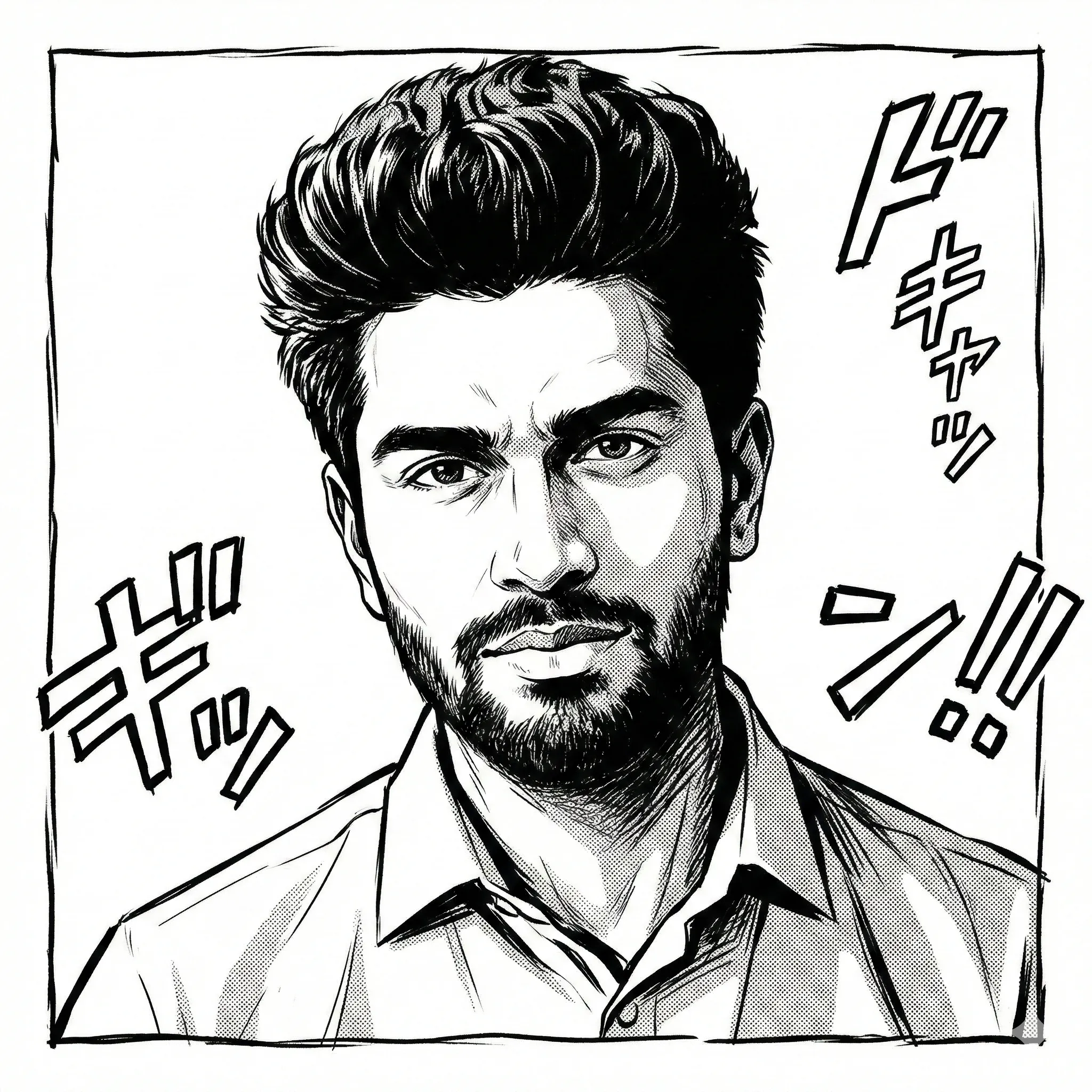
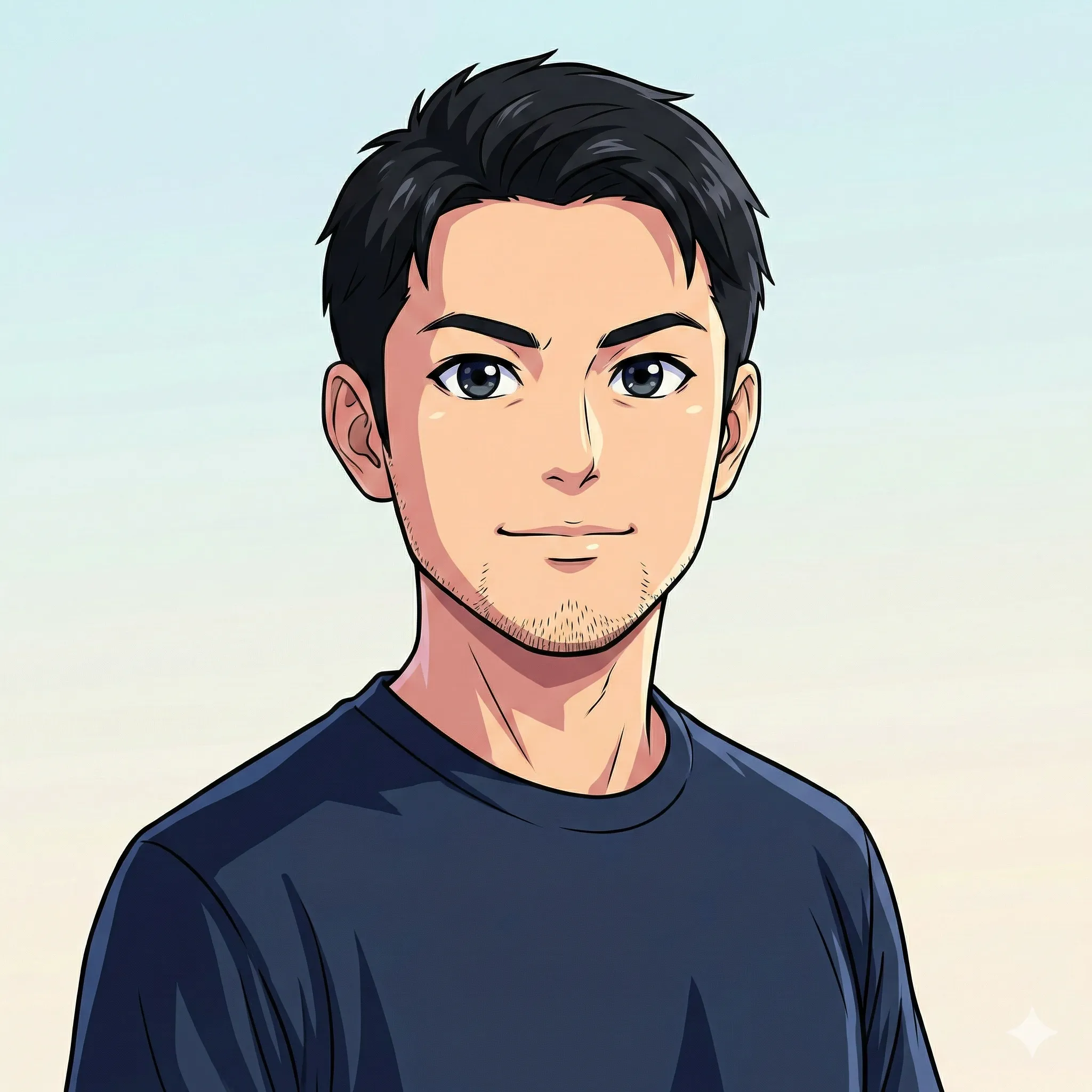
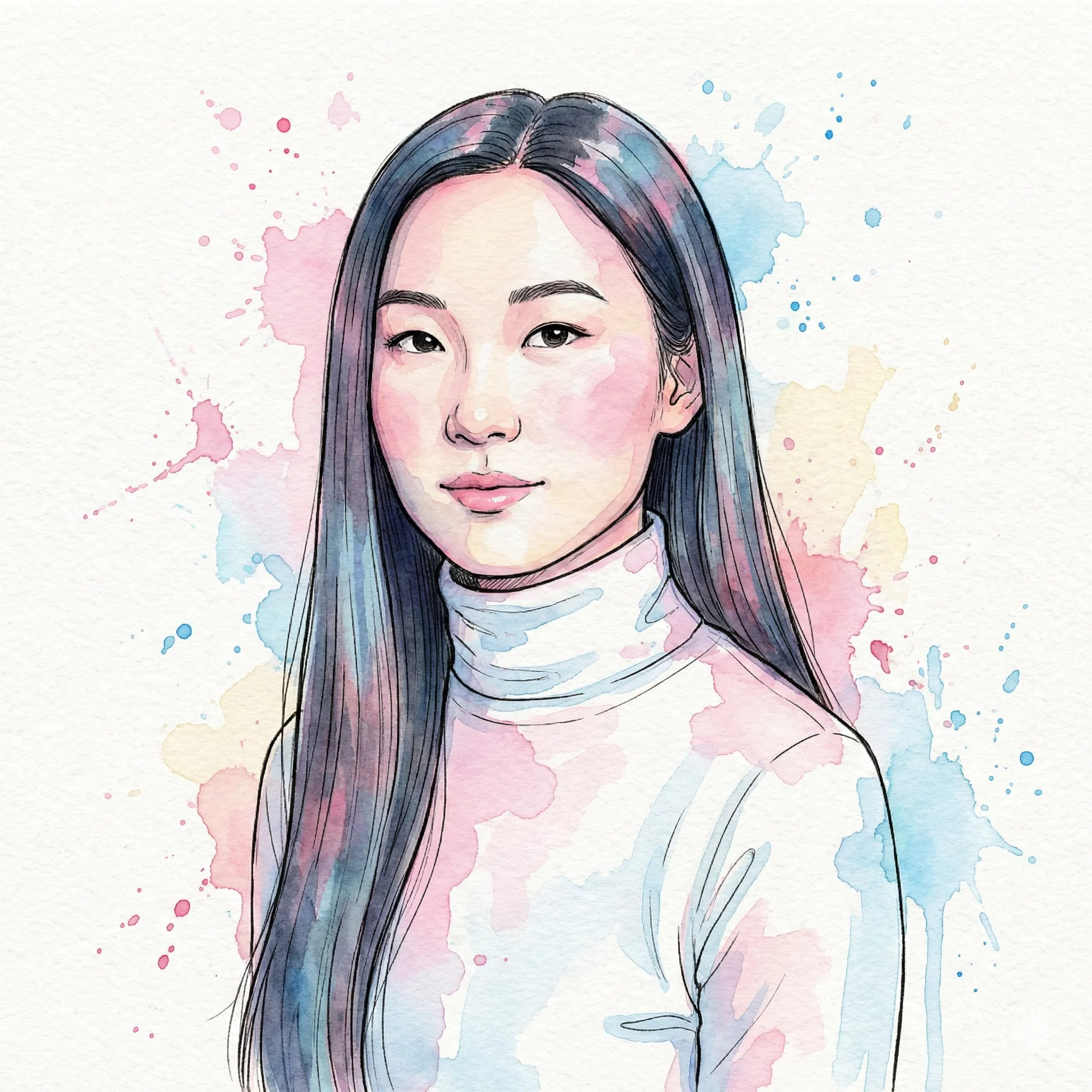
How It Works
Three steps, under a minute.
Upload a clear selfie
Avatars get cropped to a circle; centre your face and leave a little headroom. The model handles most lighting conditions, but front-facing photos with neutral expressions read best at thumbnail sizes.
Pick a chat-friendly style
Pixel Art for the "very online" look, Chibi or Neo Anime for stream PFPs, Cyberpunk or Comic Line for dark-mode legibility, Pop Art for high-contrast brand work.
Download at the right size
Download the 2K master and resize to 128×128 for Discord, 256×256 for Twitch, or 512×512 for Slack/Telegram — or upload the master directly; most platforms downscale it automatically.
What Makes This Different
Dark-mode-safe colour palettes
High-contrast cartoon styles like Pixel Art, Cyberpunk, and Comic Line are chosen specifically to remain legible on Discord and Twitch's dark backgrounds where lower-contrast styles disappear.
Circle-crop friendly framing
Centred, high-contrast compositions crop cleanly into the circular avatar frames Discord and Twitch use. Need transparency? Bold cartoon outlines separate cleanly in any background-removal tool.
One character, many crops
Re-run the same source photo through different styles or re-generate for fresh variations, then crop the outputs yourself into banner, avatar and sticker sizes that visually tie together across one streaming brand.
Perfect For
Discord Avatar Maker FAQ
Discord stores avatars at up to 1024×1024 internally but displays them between 32×32 (chat list) and 80×80 (user profile popout). Upload at 512×512 or 1024×1024 PNG/JPG to keep crisp edges across every render size. Animated avatars (GIF) require Nitro on the recipient side; static PNG is the universal safe pick.
Yes — that is partly what styles like Pixel Art, Cyberpunk and Comic Line were tuned for. High-contrast cartoon styles maintain a strong silhouette against Discord's near-black UI and Twitch's dark panels. Watercolour and Doodle styles, by contrast, fade into the background and we don't recommend them for chat PFPs.
Yes — the Pro Yearly plan grants a commercial-use licence covering streaming, monetised channels, paid Discord communities, and branded server-pack assets.
Not natively — the model paints a full background in the chosen art style. For a transparent version, run the download through any background-removal tool; bold cartoon outlines cut out cleanly, ready to drop into a circle crop or composite onto a coloured server banner.
Yes — run the same source photo through different styles or re-generate for varied results, then crop each output to emote size yourself. Emote use on Twitch is subject to platform sub-tier limits; for Discord servers, you can upload up to 50–250 custom emotes depending on the server boost level.
Ready to start?
Discord Avatar Maker🎧
Upload a photo and walk away with a cartoon you can actually use — usually in 10–30 seconds.