Tiny. Big-headed. Unmistakably stylized. If you've scrolled through TikTok, LinkedIn, or Instagram lately, you've likely spotted the wave of AI-generated Funko Pop figures flooding your feed — real people transformed into vinyl collectible characters complete with their signature oversized heads, black button eyes, and personality-packed accessories.
The AI Funko Pop generator trend has become one of 2026's most beloved photo transformation crazes, following in the viral footsteps of AI action figures and AI Barbie dolls. Unlike generic cartoon filters, Funko Pop-style AI art captures something deeper — it turns your identity, career, hobbies, and personality into a collectible character that fans and friends instantly recognize.
What Is an AI Funko Pop Generator?
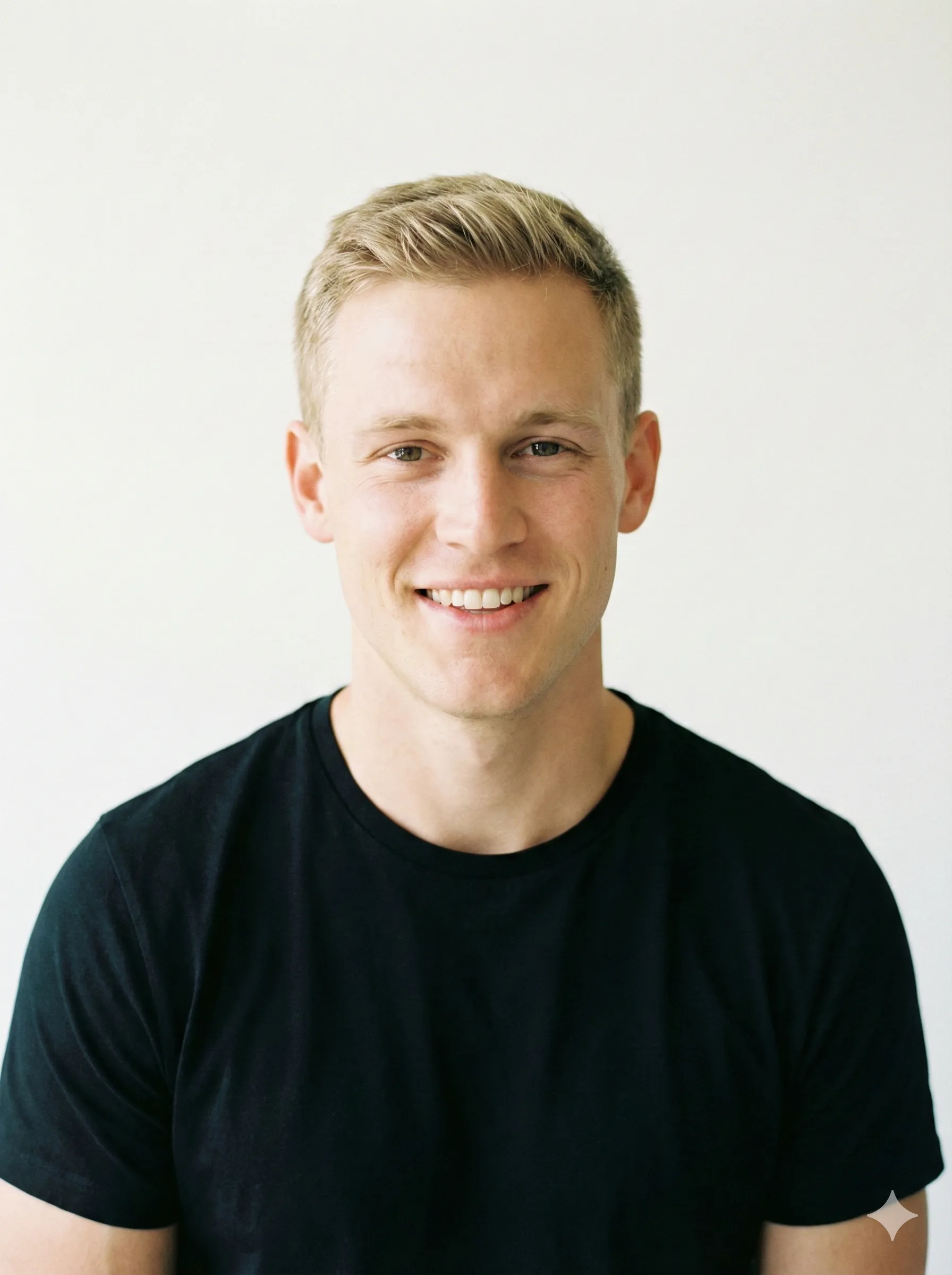
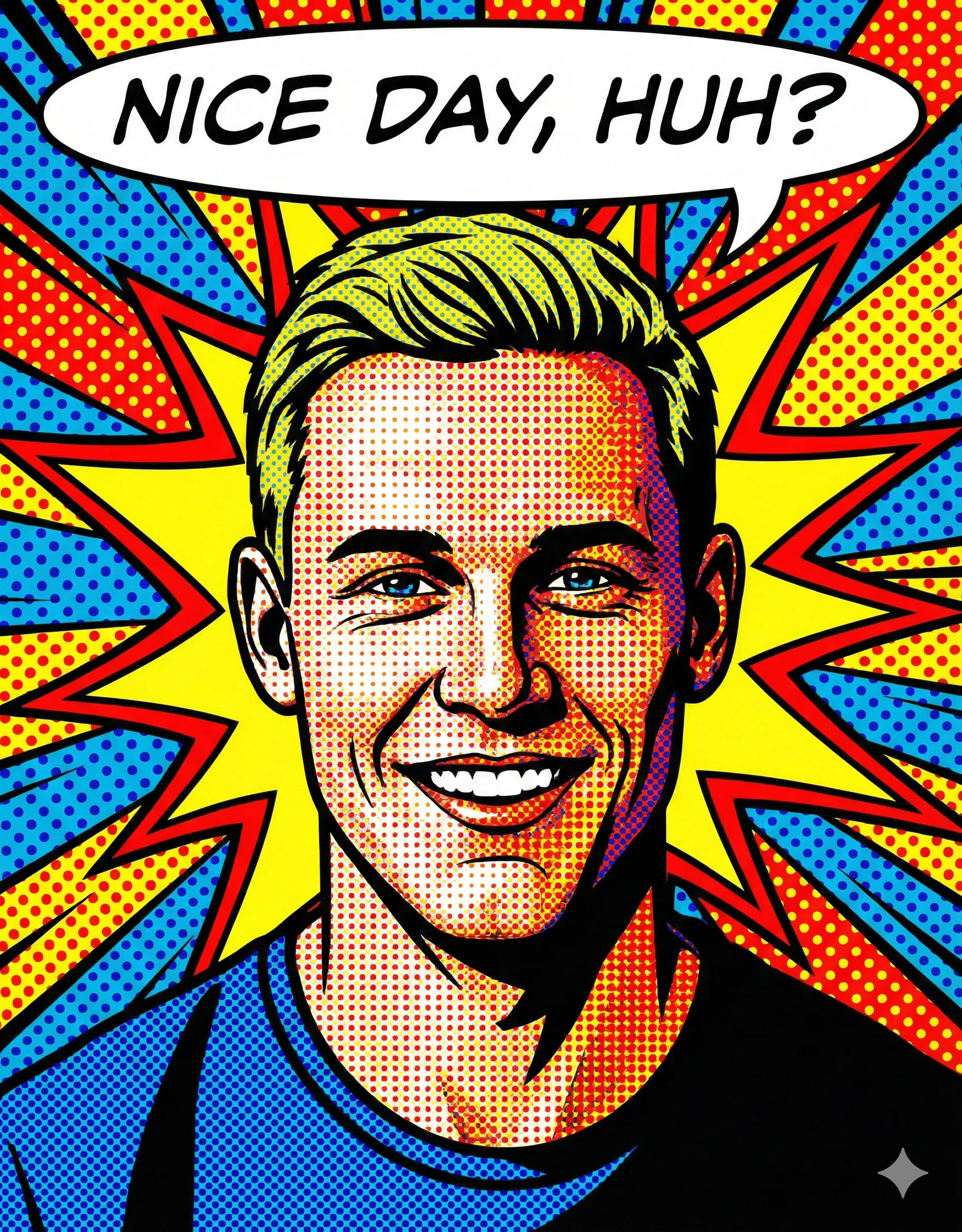
An AI Funko Pop generator is a tool — powered by image generation models like GPT-4o, Stable Diffusion, or custom-trained LoRA models — that transforms real photos into images styled after Funko Pop vinyl figures. The output mimics the iconic characteristics of the real collectible toy line:
Oversized Spherical Head
A dramatically enlarged head relative to a smaller, simplified body — the signature Funko proportion.
Large Black Button Eyes
Glossy, featureless eyes that give every Pop its instantly recognizable look.
Stylized Facial Features
Likeness preserved while dramatically simplifying detail into the Funko aesthetic.
Signature Accessories
Items that represent the subject's personality, career, or fandom — the soul of any good Pop.
Optional Box Packaging
The collector's box format — complete with name, tagline, and figure number — that went viral on LinkedIn.
The results can be generated as standalone figures, displayed in collector's box packaging, or even animated into short "unboxing" videos — a format that exploded on TikTok in early 2026.
Why the AI Funko Pop Trend Went Viral in 2026
What Drove the Funko Pop Trend
| Factor | Impact |
|---|---|
| Universal nostalgia | Funko Pop figures are owned by hundreds of millions worldwide |
| Personality-driven design | Accessories tell your unique story at a glance |
| Professional appeal | Career-themed Pops became LinkedIn profile weapons |
| Low barrier to entry | Free tools make creation accessible to anyone |
| Shareable format | The toy box layout is instantly recognizable and viral-ready |
| Collectible culture | NFT and physical collectible communities embraced the format |
ChatGPT's upgraded GPT-4o image generation capabilities, released in 2025, made high-quality Funko Pop transformations accessible without technical skills — just a selfie and the right prompt. Within weeks, creators were generating matching "Pop sets" of entire friend groups, work teams, and even pets.
The Best AI Funko Pop Generator Tools in 2026
ChatGPT (GPT-4o)
Most VersatileChatGPT remains the go-to for AI Funko Pop creation. Upload your photo, describe your accessories and styling, and GPT-4o renders a faithful Funko Pop portrait — with or without box packaging.
Pros: Highly customizable, best prompt flexibility, free tier available
Cons: Daily generation limits on free tier, results vary with photo quality
Best for: Custom career Pops, group sets, highly specific accessory combinations
Fotor AI Funko Pop Maker
Easiest to UseFotor offers a dedicated Big Head Pop preset under their AI Art section, optimized specifically for the Funko Pop aesthetic. Upload, click, generate.
Pros: No prompt skills required, fast generation, mobile-friendly
Cons: Credit system limits free usage, less customization than ChatGPT
Best for: Quick single-figure generation, users new to AI tools
OpenArt Funko Pop Generator
Most Style OptionsOpenArt's dedicated Funko Pop generator offers multiple style presets — from standard vinyl to glow-in-the-dark and metallic editions — with fine-tuned LoRA models trained on actual Funko Pop figures.
Pros: Style variety, subscription includes unlimited generations, high accuracy
Cons: Subscription required for best quality
Best for: Collectors wanting maximum style fidelity
StarryAI
Best for Text-to-FunkoStarryAI's text-to-image capabilities excel at generating Funko Pop figures from written descriptions alone — no photo upload required. Ideal for creating fictional characters, pets, or fantasy versions of yourself.
Pros: Free credits daily, text-only workflow, multiple art styles
Cons: Less photo-accurate than photo-upload tools
Best for: Creative concept Pops without a source photo
Midjourney / Stable Diffusion
Maximum QualityFor collectors and artists demanding the highest output quality, Midjourney and Stable Diffusion (with Funko-trained LoRA models) produce studio-quality renders.
Pros: Photorealistic quality, unlimited generation, commercial licensing
Cons: Paid subscription, technical knowledge required for best results
Best for: Professional-quality Pops for merchandise, portfolios, or print
Step-by-Step: Create Your AI Funko Pop with ChatGPT
Choose the Right Photo
Use a clear, well-lit frontal or three-quarter angle shot with a solid or simple background. Minimum 1080px resolution. Wear an outfit or hold props that reflect your personality or career.
Avoid group photos, sunglasses, or harsh shadows that distort facial features.
Open ChatGPT with GPT-4o
Navigate to ChatGPT (free tier supports image generation with daily limits). Click the paperclip icon to upload your photo, then craft your prompt in the text field.
Write Your Funko Pop Prompt
Standard Funko Pop Figure:
"Transform this photo into a Funko Pop vinyl figure. Keep the subject's likeness but stylize with an oversized round head, large black eyes, simplified facial features, and a small body. The figure should be standing in a classic Funko Pop pose. Accessories: [LIST YOUR ACCESSORIES]. Background: clean white product photography style."
Funko Pop in Box Packaging (Viral Format):
"Create a Funko Pop vinyl figure of the person in this photo, displayed inside official-looking collector's box packaging. The box header reads: [YOUR NAME]. Subtitle: [YOUR TAGLINE/JOB]. Include accessories: [LIST 3-5 ITEMS]. Add a figure number [#XXX] in the corner. Use the classic black Funko Pop box design with a colored window panel."
Refine With Follow-Up Prompts
First results rarely hit perfection. Try: "Make the head larger and rounder," "Keep my hair color but simplify the style," or "Make the box packaging look more like an official Funko Pop product."
Export and Share
Download your generated image at full resolution. LinkedIn: Use the career-edition box format — it performs exceptionally well as a profile photo. TikTok/Instagram: Film an "unboxing" reaction video. Twitter/X: The standalone figure (no box) works best for profile pictures.
The Best ChatGPT Prompts for AI Funko Pop Figures
The Classic Pop
"Render the person in this photo as a Funko Pop vinyl figure. Oversized round head, large black button eyes, small simplified nose and mouth. Figure wears [outfit description]. Accessories: [item 1], [item 2], [item 3]. Pose: standing with arms slightly away from body, classic Funko stance. High quality product photography, white background, soft studio lighting."
The Career Pop (LinkedIn Favorite)
"Create a professional career-edition Funko Pop of the person in this photo. Box header: '[NAME]'. Subtitle: '[JOB TITLE] Edition.' Box color: [color]. Accessories inside box: [career prop 1], [career prop 2], [career prop 3]. Add skill stats printed on box side: [Skill]: [%]. Official-looking Funko Pop black box with colored window."
The Gamer Pop
"Design a gaming edition Funko Pop of the person in this photo. Outfit: [gaming/esports attire]. Accessories: gaming controller, headset, energy drink can, keyboard. Box reads '[NAME] - Player 1 Edition.' Box design uses neon colors on black. Include a health bar and XP meter graphic on the box side panel."
The Pet Pop
"Transform my [breed] dog/cat in this photo into a Funko Pop vinyl figure. Maintain the pet's distinctive markings and coloring but stylize with oversized head and Funko Pop proportions. The figure should be sitting in a cute pose. Accessories: [bone/ball/toy]. Display as a standalone figure on a [color] circular base with the pet's name."
The Fantasy Edition
"Create a fantasy RPG character Funko Pop based on the person in this photo. Transform them into a [wizard/warrior/elf/etc.] wearing [fantasy outfit description]. Accessories: [magical item], [weapon or tool], [fantasy prop]. Box packaging reads '[NAME] - [Character Class] Edition.' Medieval fantasy art style on box."
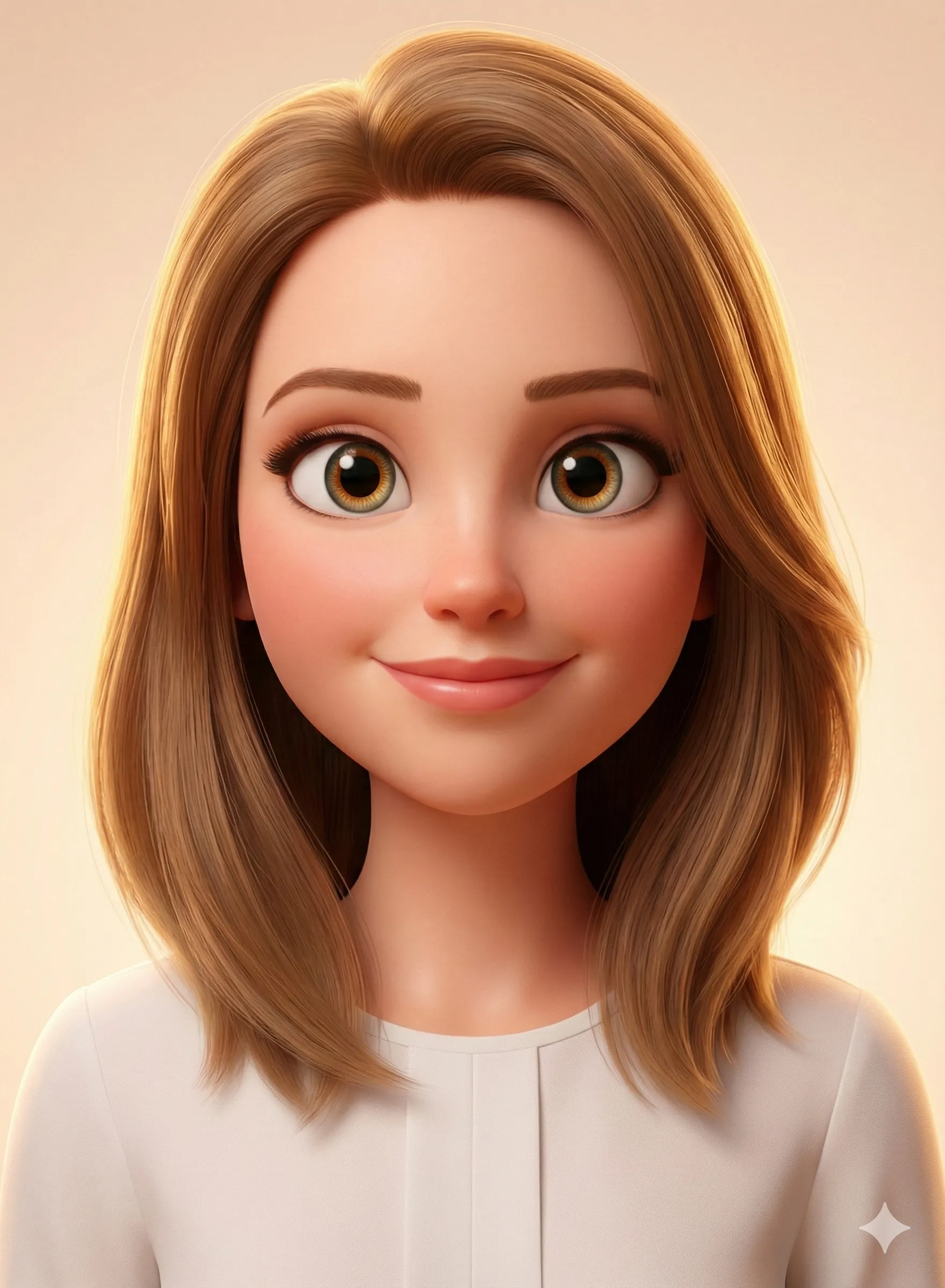
Funko Pop Formats Compared
Which Funko Pop Format to Use
| Format | Best For | Key Features | Sharing Platform |
|---|---|---|---|
| Standalone Figure | Profile pictures, desktop wallpapers | Clean, focused on the character | Twitter/X, profile photos |
| Box Packaging | LinkedIn, viral content | Official-looking, adds context | LinkedIn, TikTok |
| Career Edition Box | Professional networking | Job role, skill stats, career props | LinkedIn, company Slack |
| Group Set | Team photos, friend groups | Multiple figures, matching aesthetic | All platforms |
| Animated Unboxing | TikTok viral content | Video of "opening" the Pop box | TikTok, Instagram Reels |
Pro Tips for the Best AI Funko Pop Results
Nail the Photo
Pro Tip
Show your personality in the source photo. Props you hold — an instrument, a tool, a pet — frequently appear in the generated Pop as accessories. The AI reads visual context from your photo and incorporates it into the design naturally.
- Lighting is critical: Even, soft lighting prevents facial distortion
- Simple background: AI performs better without busy backgrounds competing for attention
- Face the camera: Funko Pop style works best with frontal or slight three-quarter views
Write Precise Prompts
- Specify exact accessory details — "tiny laptop showing code editor" beats "laptop"
- Include color preferences — AI won't know your brand colors unless you specify
- Mention box design explicitly — "official black Funko Pop box with yellow window" signals the right aesthetic
- Add "vinyl toy photography" or "collectible figure photography" to improve quality cues
Iterate Efficiently
- Save every generation — even imperfect versions reveal what prompts work
- Make one change at a time to understand what affects the output
- The first generation rarely matches the vision; plan for 3–5 iterations
Alternative: CartoonPerson for Consistent Style
While ChatGPT offers Funko Pop transformations through prompt engineering, results can vary between generations. For creators wanting reliable, consistent cartoon transformations, CartoonPerson provides a specialized alternative.
CartoonPerson vs ChatGPT
| Capability | CartoonPerson | ChatGPT |
|---|---|---|
| Style Consistency | Guaranteed across generations | Variable |
| Available Styles | 29+ curated presets | Prompt-dependent |
| Output Resolution | Up to 4K | 1024x1024 |
| Ease of Use | One-click upload | Prompt crafting required |
| Processing Speed | Under 30 seconds | 30-60 seconds |
| Commercial Rights | Included with subscription | ChatGPT Plus only |
Power Workflow
Use CartoonPerson's Chibi style for a clean cartoon base, then import that into ChatGPT to add Funko Pop-specific details like box packaging and accessories. This two-step approach combines CartoonPerson's consistency with ChatGPT's customization depth.
Funko Pop Trend Variations to Try in 2026
Pop Yourself at Every Age: Create a series of Pops showing yourself at different life stages — childhood, college, career start, and current day. These nostalgic series perform exceptionally well on Instagram.
Pop Your Squad: Generate a complete matching set of Pops for your friend group or work team, then arrange them in a group photo. Perfect for birthdays, team announcements, or office celebrations.
Pop Movie Characters: Recreate your favorite film or TV characters in Funko Pop style — or insert yourself as a character in an existing franchise's Pop aesthetic.
Seasonal Edition Pops: Create holiday-themed versions of yourself — Halloween Pop, Christmas Pop, Valentine's Day Pop — with seasonal accessories and themed box designs.
The "Main Character" Pop: Design a Pop that represents your life's story — your city, hobbies, signature catchphrase, and most memorable accessories. This introspective format drives high engagement because it sparks conversation.
Privacy Considerations
Before You Upload
Creating AI Funko Pop figures involves uploading facial photos to third-party platforms. Before you start:
- Review privacy policies of any tool before uploading — check for face recognition data collection and training data usage clauses
- Opt out of training data where possible (ChatGPT: Settings → Data Controls → Improve the model for everyone → Off)
- Never upload photos of others without their explicit consent
- Avoid uploading children's photos to commercial AI tools
- Check commercial rights before using generated figures in business materials
The viral nature of Funko Pop content means your AI-generated image could spread widely — make sure you're comfortable with that before sharing.
Frequently Asked Questions
Is the AI Funko Pop generator free?
Yes — ChatGPT's free tier supports a limited number of daily image generations. Fotor and OpenArt offer free credits for new users. StarryAI provides daily free credits. For unlimited generation, subscriptions typically run $10–$20 per month.
Do I need a special ChatGPT account?
No — GPT-4o image generation is available on the free tier with daily limits. ChatGPT Plus ($20/month) removes limits and improves quality. The free tier is sufficient for 2–5 Funko Pop creations per day.
Why doesn't my Funko Pop look like me?
Common causes: low-resolution source photo, complex background, or insufficient prompt detail about distinctive features. Try uploading a higher-resolution headshot and adding specific details: "maintain [subject's] [hair color], [distinctive feature], wearing [specific outfit]."
Can I create a Funko Pop of my pet?
Absolutely — pets make excellent Funko Pop subjects. Use a clear photo showing your pet's face and markings, and specify the breed, coloring, and a characteristic pose in your prompt.
Can I use my AI Funko Pop commercially?
Rights depend on the tool used. ChatGPT Plus includes commercial licensing. Free tier users should check individual terms. Avoid including third-party trademarks (like actual Funko branding) in commercially used images.
How do I make a group Funko Pop set?
For consistent styling across multiple figures, describe the desired aesthetic in each generation prompt and keep all prompts identical in style-related elements. Generate each figure separately, then combine in a photo editor for the final group shot.
What's the difference between an AI Funko Pop and an AI action figure?
AI action figures tend to be more detailed and realistic — joints, fabric textures, and anatomical proportions are emphasized. Funko Pop style is more abstract: exaggerated proportions, simplified features, and the iconic oversized head are the defining characteristics.
Start Building Your Pop Collection Today
The AI Funko Pop generator trend is more than a filter — it's a new language for expressing identity, creativity, and community. Whether you're building a professional brand on LinkedIn with a career-edition Pop, celebrating a friend's birthday with a custom collectible, or just adding some fun to your social profiles, the tools are better, cheaper, and more accessible than ever.
Start with the ChatGPT prompts above, explore dedicated tools like Fotor or OpenArt for streamlined workflows, and for consistently polished cartoon transformations across dozens of styles, CartoonPerson delivers the quality and variety that prompt engineering alone can't guarantee.
Your vinyl alter ego is one prompt away. What does your Pop say about you?
Explore more AI photo transformation trends: AI Action Figure Generator | AI Barbie Doll Generator | AI Lego Minifigure Generator

