
The anime aesthetic has captivated millions worldwide, and in 2026, transforming your photos into anime art has never been easier. Whether you want to create a unique social media avatar, surprise a friend with an anime portrait, or simply explore your creative side, AI-powered tools make it possible in seconds.
In this comprehensive guide, we'll explore the best methods to turn your photos into anime masterpieces, compare top tools, and share expert tips for achieving stunning results.
Why Anime Art Transformation is Trending in 2026
The first quarter of 2026 has seen an explosion in AI-generated anime content. According to industry reports, anime-style AI transformations have surpassed traditional animation production in popularity, with millions of users creating personalized anime avatars daily.
Improved AI Quality
Modern AI models can now preserve facial features while applying authentic anime aesthetics.
Faster Processing
Most tools deliver results in under 15 seconds — down from minutes in prior years.
Accessibility
No artistic skills required. Just upload and transform.
Social Media Integration
Perfect for unique profile pictures and content creation across every platform.
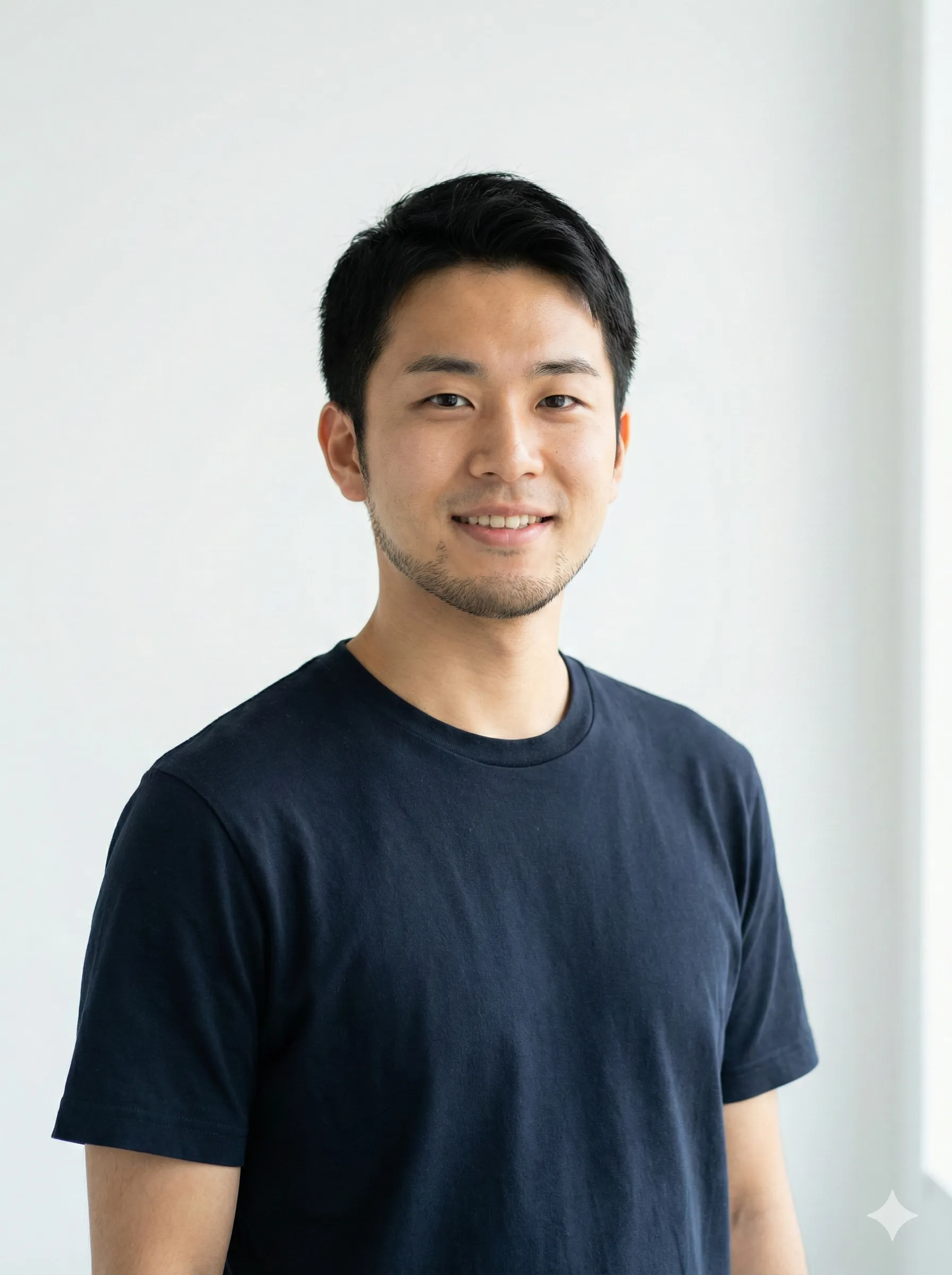
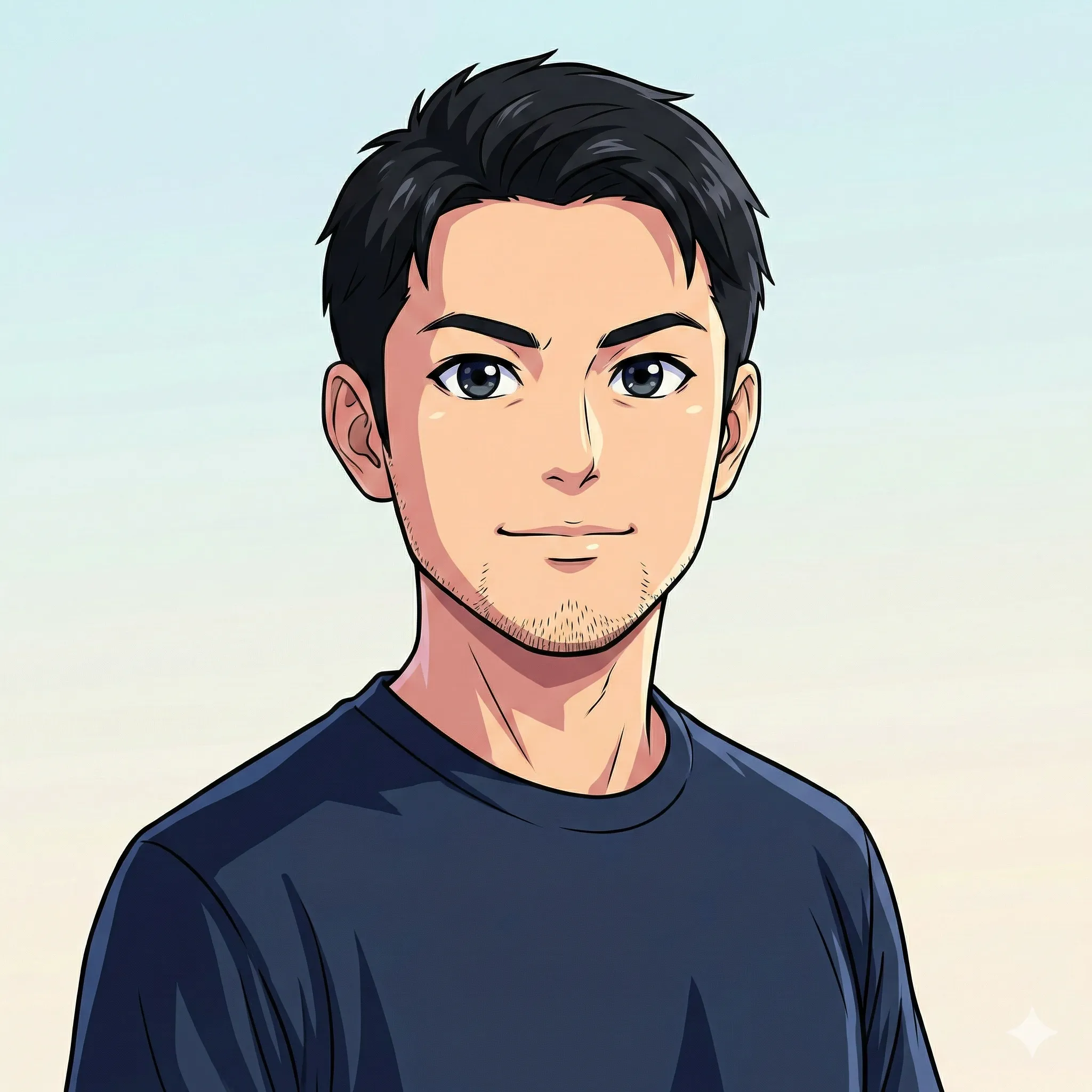
Understanding Anime Art Styles
Before diving into the tools, it's important to understand the different anime styles available:
Anime style guide
| Style | Characteristics | Best For |
|---|---|---|
| Classic Anime | Bold lines, large expressive eyes, vibrant colors | Portraits, avatars |
| Studio Ghibli | Soft, watercolor-like aesthetic, gentle expressions | Scenic photos, family pictures |
| Manga Style | Black and white, dramatic shading, comic feel | Artistic projects |
| Chibi | Cute, exaggerated proportions, small body | Fun avatars, stickers |
| Webtoon | Clean lines, modern aesthetic, digital feel | Social media content |
Top 5 AI Tools for Photo to Anime Conversion
CartoonPerson
Best OverallCartoonPerson specializes in creating studio-quality cartoon and anime characters from photos. With support for multiple styles including Pixar 3D, Disney Classic, and authentic Anime, it offers:
- 29+ Art Styles: From classic anime to modern 3D rendering
- 4K Output: Crystal-clear resolution for any use
- Batch Processing: Transform multiple photos at once
- No Watermarks: Professional results without branding
AniFun AI
Best for Style VarietyAniFun AI offers an impressive collection of 29 anime styles with high detail quality.
- No login required for basic use
- Natural-looking results
- Watermark-free output
- Simple one-click conversion
Drawever
Best for CustomizationFor users who want more control, Drawever provides adjustable transformation strength and quality settings.
- 6 distinct styles including Ghibli and Manga
- Quality adjustment options
- Strength control for subtle or dramatic transformations
- Processing in under 15 seconds
Canva Animeify
Best for BeginnersCanva's built-in Animeify feature is perfect for those already using the design platform.
- Integrated with other editing tools
- Simple drag-and-drop interface
- 4 core anime styles
- Great for social media graphics
Komiko AI
Best for Post-ProcessingKomiko stands out with its editing capabilities after conversion.
- Multiple high-quality styles
- Post-generation editing tools
- Detail restoration features
- Perfect for professional projects
How to Get the Best Anime Transformation Results
The quality of your anime art depends largely on your input photo. Here are expert tips for optimal results.
Photo Selection Tips
Use Well-Lit Photos
Natural lighting produces the best results. Avoid harsh shadows or overexposed images.
Choose Clear Facial Features
The AI needs to identify facial structure. Ensure faces are visible and not obscured.
Opt for Simple Backgrounds
Busy backgrounds can confuse the AI. Plain or simple backgrounds help focus on the subject.
Select the Right Angle
Front-facing or three-quarter angle photos produce superior anime portraits.
Use Higher Resolution
Start with high-resolution photos for the best detail preservation.
Style Matching Guide
Pro Tip
Match your anime style to your goal. Classic anime or modern digital styles work for professional avatars. Chibi or Kawaii styles shine for cute content. Studio Ghibli or watercolor styles add elegance to artistic projects. Manga or comic styles create maximum impact for action and drama content.
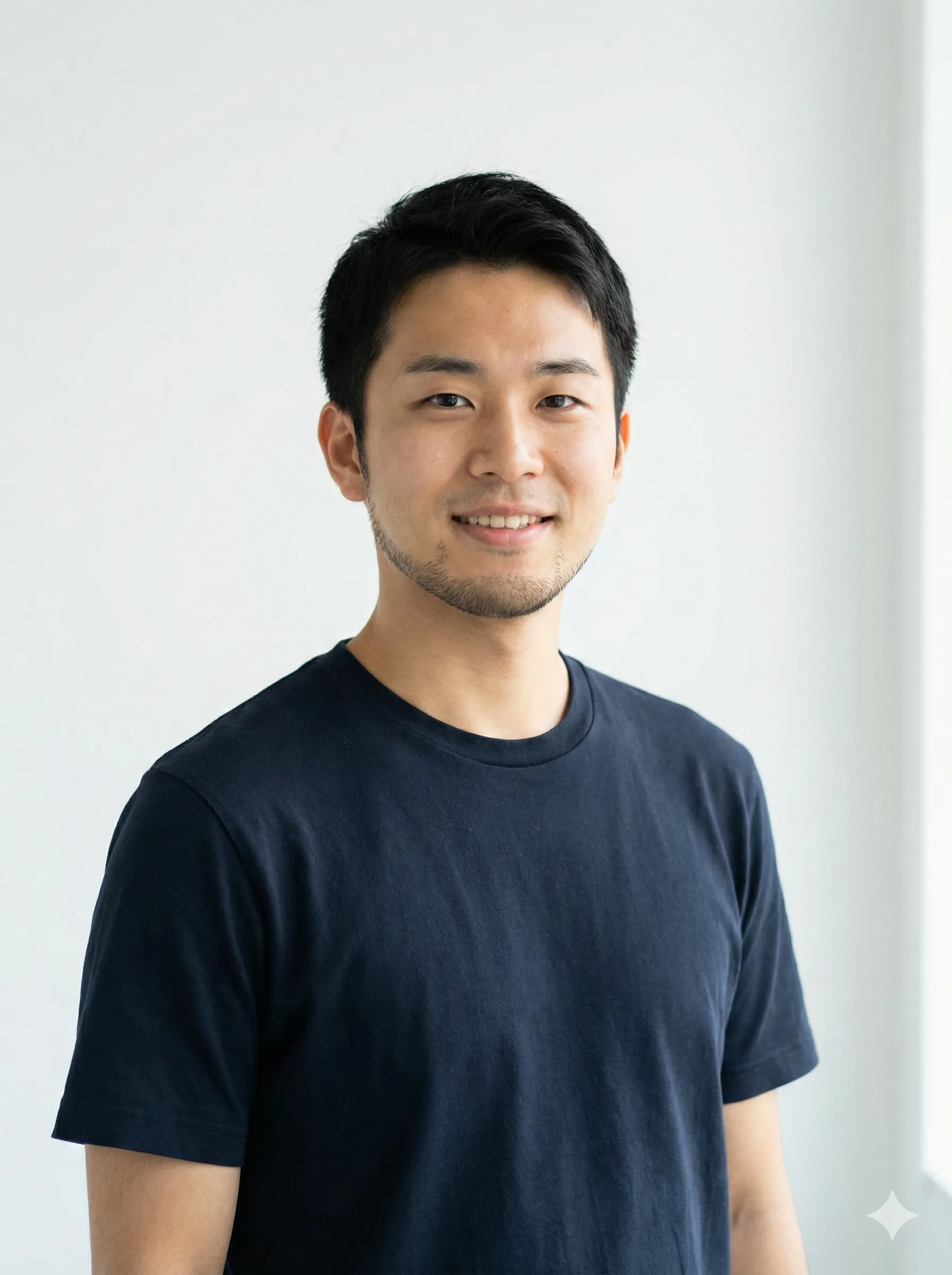
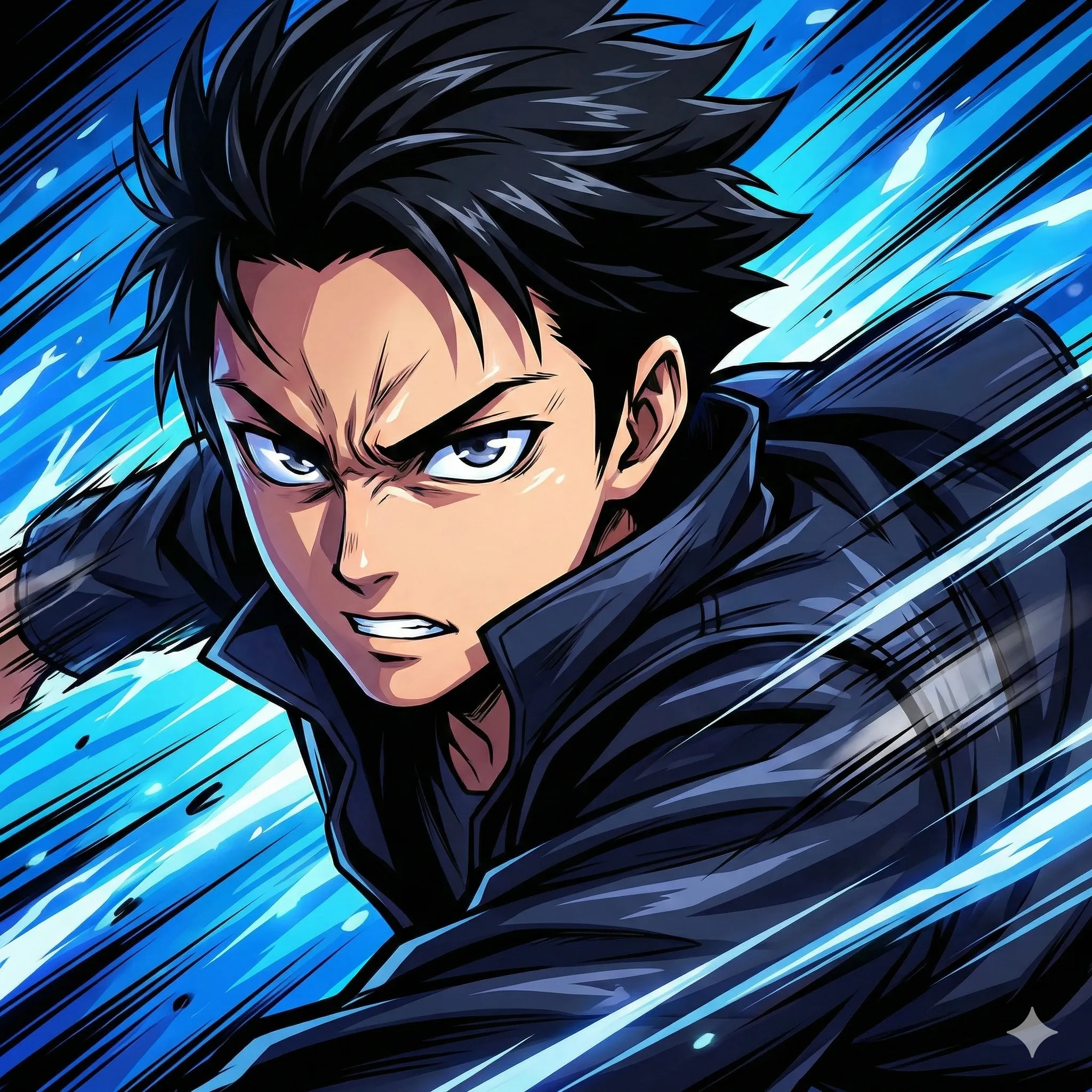
Step-by-Step: Transform Your Photo with CartoonPerson
Visit CartoonPerson
Go to cartoonperson.net and click "Start Creating."
Upload Your Photo
Select a clear, well-lit photo from your device.
Choose Your Style
Browse the style gallery and select your preferred anime aesthetic.
Generate Your Art
Click generate and wait 10–30 seconds for your transformation.
Download and Share
Download your anime art in high resolution and share it anywhere.
The Future of AI Anime Art
AI anime generation technology continues to evolve rapidly. In 2026, we're seeing:
Real-Time Video Transformation
Convert videos to anime style in real time — no frame-by-frame processing required.
Style Mixing
Combine multiple anime aesthetics into a single hybrid output.
Improved Consistency
Better preservation of identity and likeness across multiple transformations.
3D Integration
Generate 3D anime models from 2D photos for use in games and virtual environments.
Frequently Asked Questions
Is AI anime conversion safe for my photos?
Reputable platforms like CartoonPerson process images securely and don't store your photos permanently. Always check privacy policies before uploading.
Can I use AI-generated anime art commercially?
Most free tiers are for personal use only. For commercial projects, opt for paid plans that include commercial licensing.
Why doesn't my anime version look like me?
AI transformation works best with clear, well-lit photos. Try different photos or adjust the transformation strength if available.
What's the best resolution for input photos?
Aim for at least 1080x1080 pixels for portraits. Higher resolution inputs yield better-quality anime outputs.
Can I transform group photos?
Yes. Most modern AI tools can handle group photos, though individual portraits typically produce the best results.
Start Your Anime Art Journey Today
Transforming your photos into anime art has never been more accessible. Whether you're creating a unique avatar, exploring digital art, or just having fun, AI tools make it possible for everyone.
Ready to see yourself in anime form? Try CartoonPerson today and discover the magic of AI-powered character transformation. With multiple styles, high-quality output, and instant results, your perfect anime avatar is just a click away.
Want to explore more cartoon and animation styles? Check out our other articles on AI character generation and discover the full potential of modern AI art tools.

