
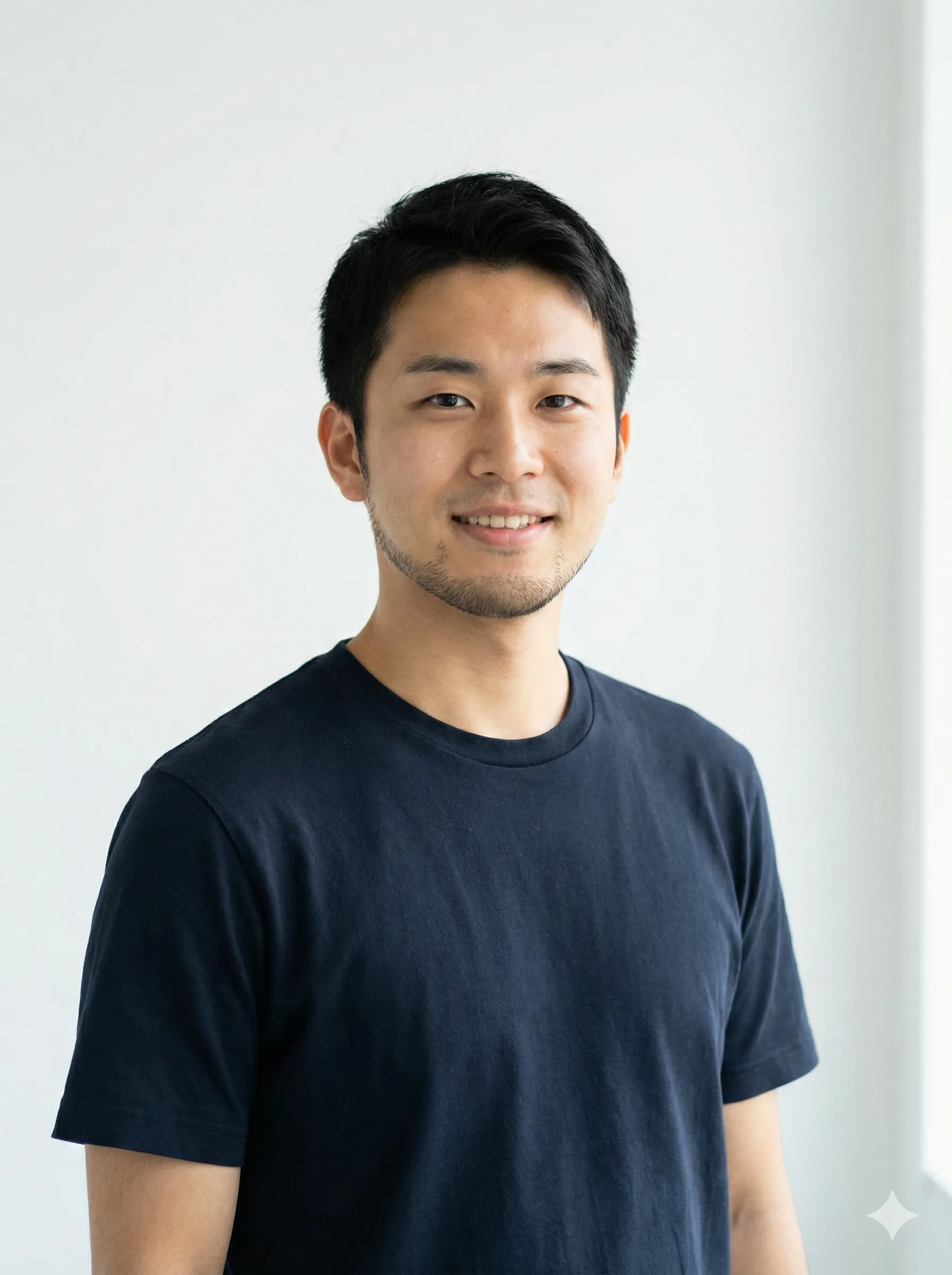
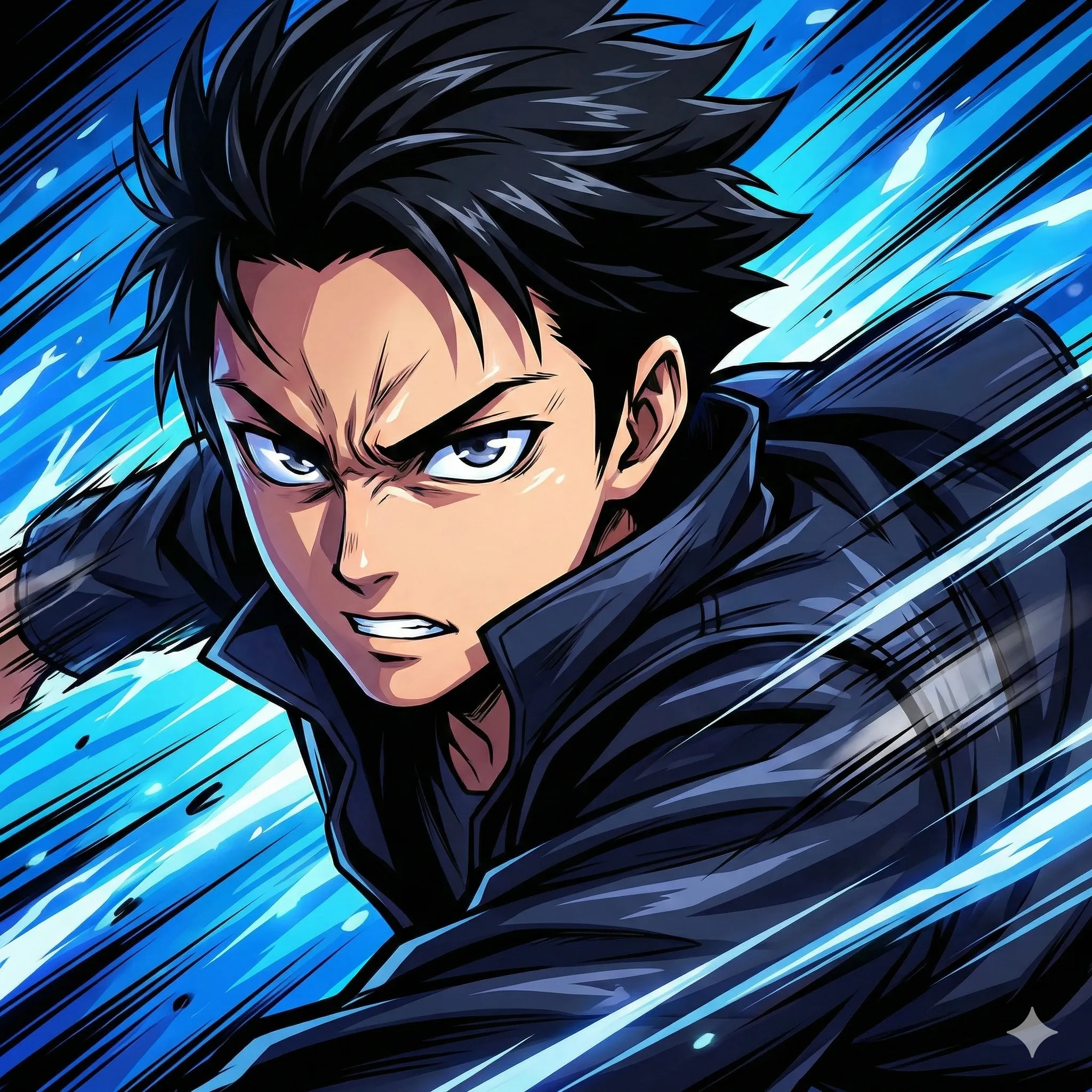
Ever wondered what your furry friend would look like as a human? The AI Pet to Human trend has taken social media by storm, transforming beloved dogs, cats, and other pets into surprisingly realistic human portraits that capture their unique personalities.
This viral phenomenon uses advanced AI image generation to analyze your pet's features — fur color, eye expression, posture, and personality — then creates a human version that maintains those distinctive characteristics. The results range from adorably accurate to hilariously unexpected, making it one of the most shareable AI trends of 2026.
What Is the AI Pet to Human Trend?
The Pet to Human AI trend uses artificial intelligence to transform photographs of pets into humanized versions. Unlike simple cartoon filters, this technology creates realistic human portraits that somehow capture the essence of your pet.
The AI analyzes multiple visual elements to generate its transformation:
Fur Color and Patterns
Fur color and markings directly influence hair color and style in the human portrait.
Eye Color and Expression
The pet's eye color and emotional expression translate directly to the human result.
Posture and Pose
The subject's posture remains consistent across the transformation, preserving their energy.
Apparent Personality
The pet's visible personality shapes the facial expression and overall vibe of the portrait.
Breed Characteristics
Breed-specific features inform facial structure and distinctive traits in the human version.
The result is a human portrait that looks like your pet's "human twin" — someone you might actually recognize as related to your furry companion.
Why Has This Trend Gone Viral?
Why Pet-to-Human Transformations Go Viral
| Factor | Why It Matters |
|---|---|
| Emotional Connection | Pet owners deeply love their animals and enjoy creative expressions of that bond |
| Shareability | Results are surprising, funny, and perfect for social media |
| Accessibility | Free tools like ChatGPT make it available to everyone |
| Speed | Transformations complete in under 60 seconds |
| Uniqueness | Every result is different, encouraging multiple attempts |
| Conversation Starter | "What would your pet look like as a human?" is inherently engaging |
Social media platforms have been flooded with side-by-side comparisons of pets and their "human twins," driving engagement and inspiring others to try the trend.
Step-by-Step: Transform Your Pet into a Human
What You'll Need
Good lighting, visible features, front-facing preferred
Clear pet photo
Free tier works — GPT-4o required for image generation
ChatGPT account
Include breed, fur color, personality, and desired style
Descriptive prompt
Method 1: Using ChatGPT (Most Popular)
Prepare Your Photo
Select a high-quality image of your pet that shows clear facial features, good lighting (natural light preferred), a front-facing or three-quarter angle, visible eyes and expression, and minimal background distractions.
Access ChatGPT
Visit chat.openai.com and ensure you're using GPT-4o, which includes image generation capabilities. The free tier allows limited generations per day.
Upload and Prompt
Click the attachment icon and upload your pet photo. Then enter a detailed prompt describing the transformation you want.
Basic Prompt:
"Turn this dog/cat into a human, keep the posture unchanged."
Detailed Prompt (Better Results):
"Transform this golden retriever into a humanized version as a friendly young man. Match the fur color to blonde hair, keep the warm brown eyes, and capture the dog's happy, playful expression. Style: realistic photograph, casual clothing that matches the pet's personality."
Download and Share
ChatGPT generates your pet's human twin in 30–60 seconds. Download the image and share on social media with a side-by-side comparison.
Method 2: Using Fotor (One-Click Option)
Visit Fotor's GoArt Page
Select Turn Into Human
Upload Your Pet Photo
Download Your Result
Method 3: Using Specialized Apps
Pet2Human
Best for Themed ResultsOffers themed transformations — Royal, Music Star, Professional — with one-tap operation. Available on iOS and Android.
Kaze AI
Best Web-BasedWeb-based converter with quick processing times and multiple style options. No app download required.
Best Prompts for Pet to Human Transformations
By Pet Type
Dogs:
"Transform this [breed] dog into a human portrait. Create a [gender] human with [fur color]-colored hair, maintaining the dog's [personality trait] expression. Keep the same posture and energy. Style: realistic photograph."
Cats:
"Turn this cat into a human version. Capture the cat's [mysterious/playful/aloof] personality, translate the [fur color] to appropriate hair color, and maintain the distinctive eye color. Create an elegant, realistic human portrait."
Other Pets:
"Humanize this [pet type] into a realistic human portrait. Preserve the unique characteristics, coloring, and personality visible in the photo. Make the result believable yet clearly inspired by the pet's appearance."
By Desired Style
Professional Portrait:
"Transform this pet into a professional headshot of a human. Business attire, confident expression, maintaining the pet's core personality and coloring."
Casual Lifestyle:
"Create a casual human version of this pet. Relaxed pose, everyday clothing, capturing the pet's natural energy and expression."
Fantasy / Themed:
"Transform this pet into a human in medieval royal attire, maintaining the regal bearing and noble expression of the original animal."
Tips for Better Results
Photo Selection
Use Natural Lighting
Capture Clear Eyes
Choose Relaxed Poses
Use Simple Backgrounds
Use Recent Photos
Prompt Engineering
Pro Tip
Be specific about your pet's breed and describe personality traits you want captured. The more context you give the AI about who your pet is — not just what they look like — the more accurate and characterful the human result will be.
- Specify the style of human portrait you want
- Include details about clothing and setting
- Request consistency with posture and expression
Common Mistakes to Avoid
- Using blurry or dark photos
- Photos where the pet is sleeping or eyes are closed
- Extreme close-ups without full facial context
- Multiple pets in one photo (use single-pet images)
- Expecting exact replication rather than creative interpretation
Alternative: CartoonPerson for Stylized Transformations
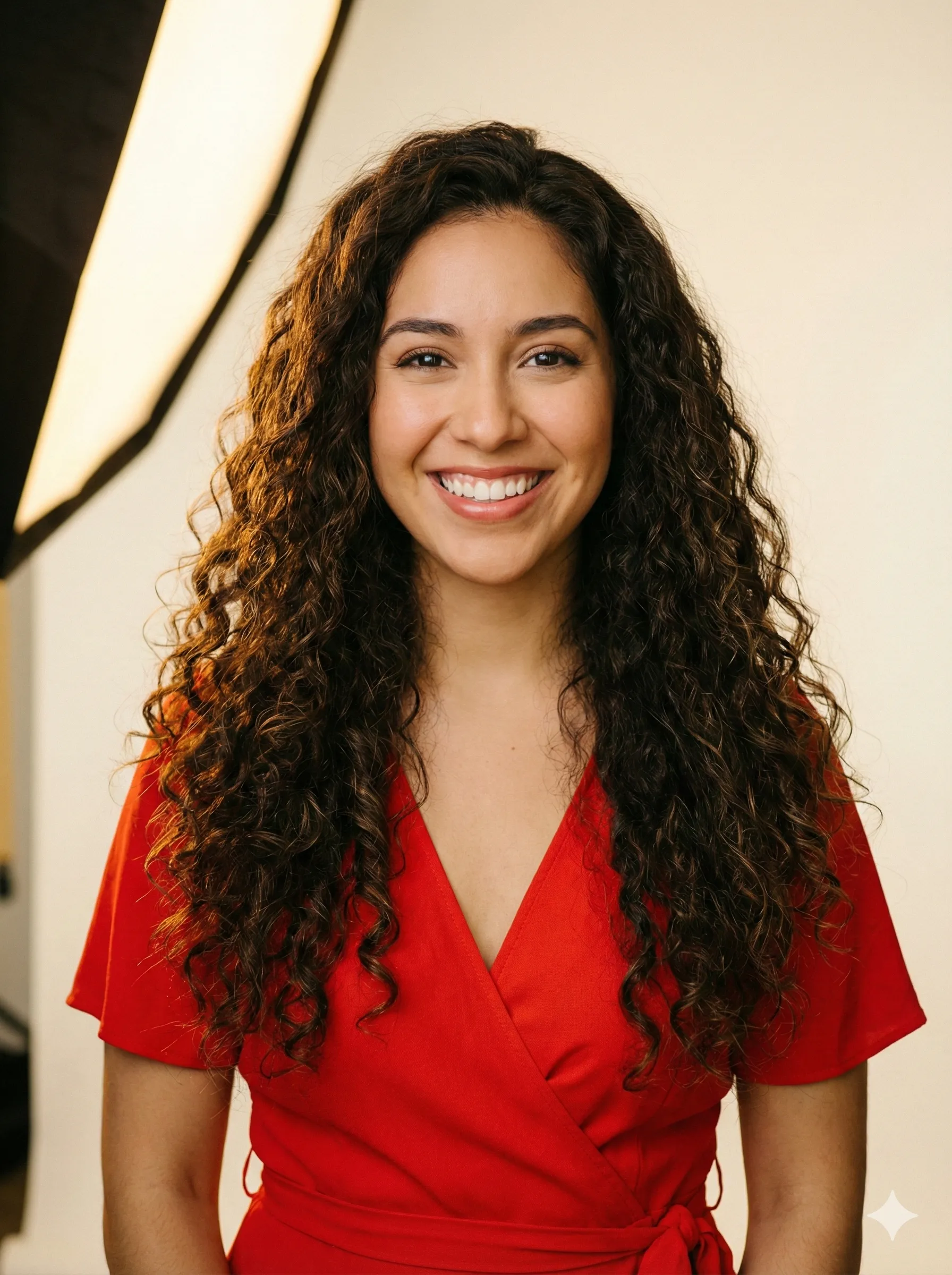
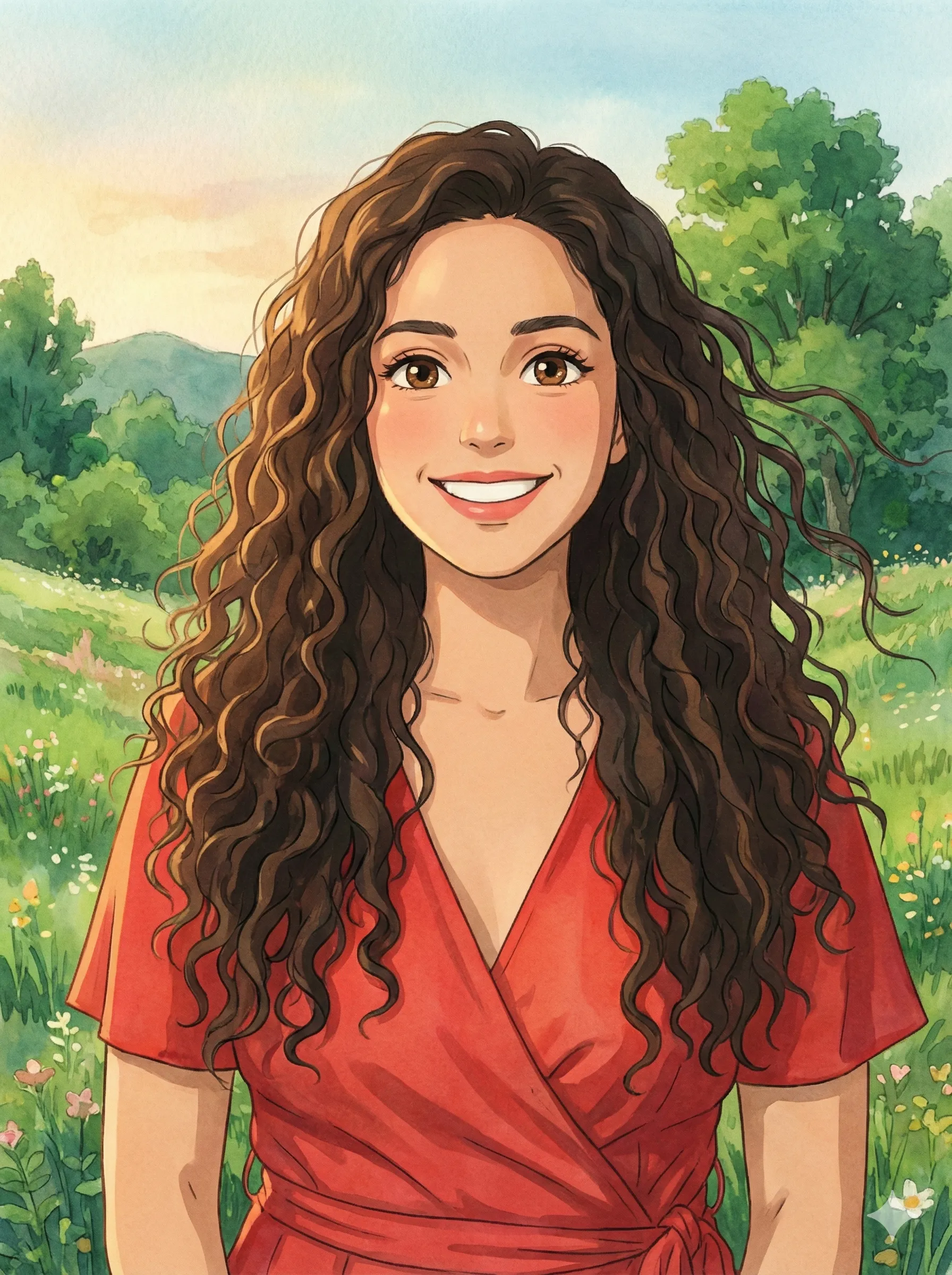
While pet-to-human tools create realistic portraits, CartoonPerson offers a different approach — transforming pet photos into various artistic styles that celebrate your pet's personality in creative ways.
Pet-to-Human AI vs CartoonPerson
| Feature | Pet-to-Human AI | CartoonPerson |
|---|---|---|
| Output Type | Realistic human portrait | Stylized character art |
| Style Options | Limited | 29+ curated styles |
| Use Case | Novelty/entertainment | Profile pics, merchandise, gifts |
| Consistency | Variable | Guaranteed quality |
| Resolution | Standard | Up to 4K |
CartoonPerson specializes in high-quality character transformations including:
Anime Style
Japanese animation aesthetic that brings out expressive eyes and dynamic energy.
Pixar 3D
Studio-quality character rendering with warmth and depth.
Disney Classic
Timeless animated character look that captures charm beautifully.
Chibi
Adorable mini-character style — especially charming for small pets.
Watercolor
Artistic painted effect that feels hand-crafted and unique.
For pet owners wanting beautiful, shareable art of their pets rather than "human twin" portraits, CartoonPerson provides consistent, professional-quality results.
Creative Uses for Pet-to-Human Portraits
Social Media Content
- Side-by-side comparison posts
- "Which human looks like their pet?" engagement games
- Profile picture alternatives
- Story content to drive engagement
Personalized Gifts
- Framed portraits for pet lovers
- Custom greeting cards
- Photo books with pet "family portraits"
- Matching merchandise — mugs, t-shirts
Entertainment
- Casting your pets in imaginary movie roles
- Creating "what if" scenarios
- Family group photos with humanized pets
- Dating profile jokes for your pet
Privacy Considerations
What to Know Before You Upload
- Photos are processed according to each service's privacy policy
- ChatGPT may use images for model improvement unless you opt out in Settings → Data Controls
- Dedicated apps vary in their data handling practices — check each policy individually
- Avoid including sensitive background elements (home address, private documents) in photos
For privacy-conscious users, local AI tools or privacy-focused services offer alternatives to cloud-based processing.
Related AI Image Trends in 2026
Studio Ghibli Filter
Transform photos into magical Ghibli-style artwork with ChatGPT's image generation.
AI Action Figure Generator
Create collectible toy-box portraits complete with packaging and accessories.
ChatGPT Caricature Trend
Generate exaggerated cartoon portraits surrounded by profession-related items.
AI Chibi Generator
Transform yourself or pets into cute, anime-style mini characters.
Each trend uses similar AI technology but targets different aesthetics — CartoonPerson supports many of these styles in one unified platform.
Frequently Asked Questions
Is the pet-to-human transformation free?
Yes, ChatGPT's free tier includes limited image generations. Specialized apps may offer free trials with paid upgrades for additional features.
Why doesn't the human look like my pet?
Results depend on photo quality and prompt specificity. Try a clearer photo with more detailed instructions describing your pet's distinctive features.
Can I do this with any animal?
Yes, the trend works with dogs, cats, birds, rabbits, and even exotic pets. Results vary based on how much the AI can interpret from the original photo.
How accurate are the transformations?
The AI creates creative interpretations rather than exact translations. Results capture essence and characteristics rather than literal feature mapping.
Can I use the images commercially?
Check each tool's terms of service. Most AI-generated images have complex copyright status, and commercial use may require proper licensing.
What resolution are the generated images?
ChatGPT outputs standard 1024x1024 pixels. For higher resolution options, consider CartoonPerson's up to 4K output for stylized pet portraits.
Start Your Pet's Transformation Today
The AI pet-to-human trend offers a fun, creative way to see your beloved pet in a new light. Whether you're curious what your golden retriever would look like as a friendly neighbor or want to see your aloof cat as a mysterious stranger, the technology makes it possible in seconds.
Where to Begin
Start with ChatGPT for the full creative experience, or try CartoonPerson for beautiful stylized transformations across 29+ artistic styles.
Your pet's portrait is waiting to be transformed. What will their human self reveal?
Explore more AI art guides: Studio Ghibli AI filter, AI action figure generator, ChatGPT caricature trend, and photo to anime transformation.

