The first viral AI trend of 2026 has taken social media by storm. The ChatGPT caricature trend is flooding Facebook, Instagram, and TikTok with exaggerated cartoon portraits that capture personality, profession, and everything that makes you uniquely you. In early February, demand was so high it briefly crashed OpenAI's servers.
If you've seen friends sharing whimsical cartoon versions of themselves surrounded by objects representing their jobs and hobbies, you've witnessed this phenomenon firsthand. Now it's your turn to create one.
What Is the ChatGPT Caricature Trend?
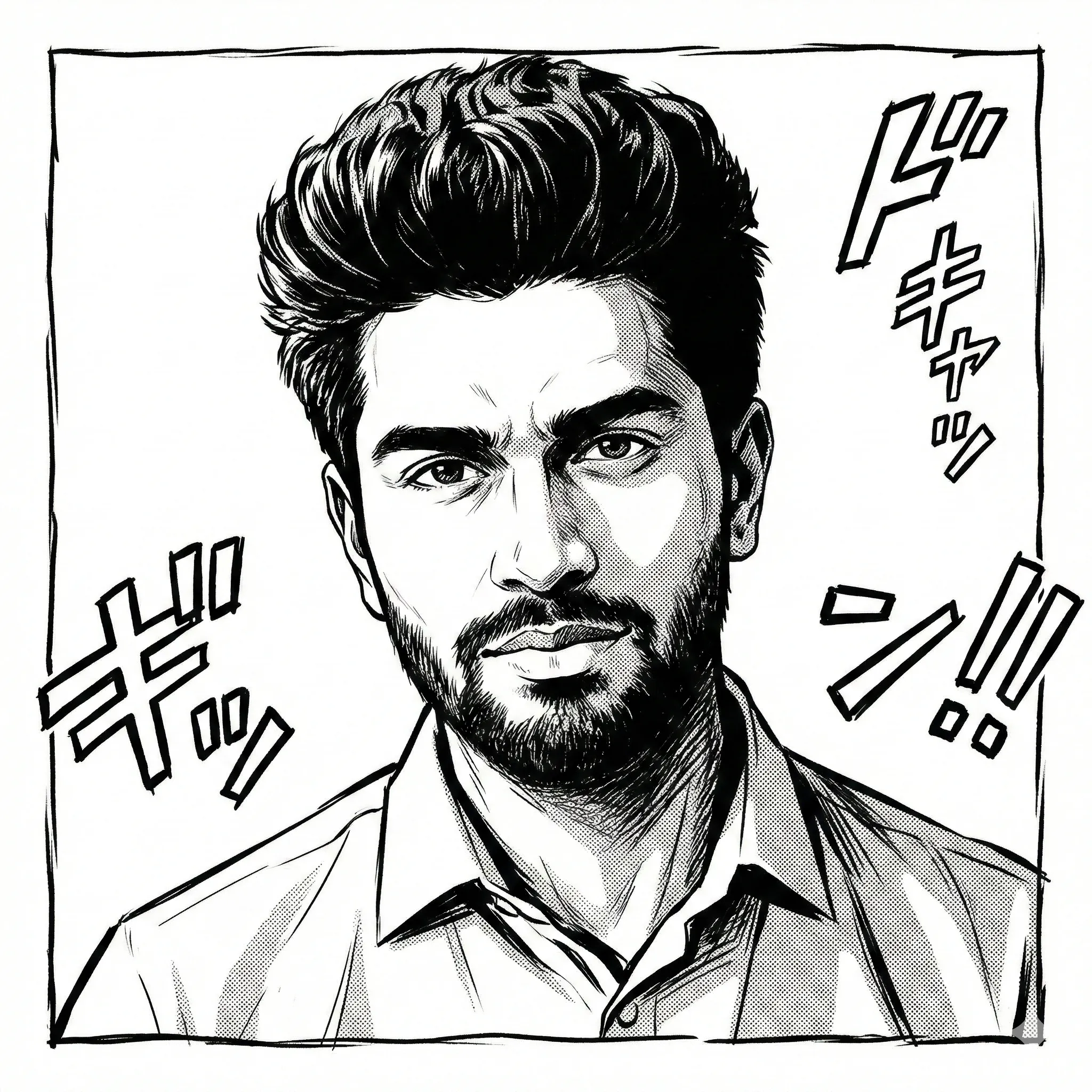
The concept is brilliantly simple: upload a photo to ChatGPT, provide a prompt, and let GPT-4o's image generation capabilities create a stylized caricature of you. These aren't generic cartoons — they're personalized portraits with exaggerated features, surrounded by visual cues that tell your story.
A graphic designer might appear with oversized glasses, stylus in hand, surrounded by floating color palettes. A software developer could be depicted with multiple monitors, endless coffee cups, and code streaming in the background. The AI captures both your likeness and your identity.
Scale of the trend
Over 10 million caricatures were generated in the first week of February 2026 alone, with the trend showing no signs of slowing down.
Why Has This Trend Gone Viral?
Viral trend factors
| Factor | Impact |
|---|---|
| Personalization | Each caricature is unique to the individual |
| Shareability | Perfect square format for social media profiles |
| Self-expression | Visual storytelling about career and personality |
| Accessibility | No artistic skills required |
| AI Advancement | GPT-4o's improved image generation quality |
Step-by-Step: Create Your ChatGPT Caricature
Prepare Your Photo
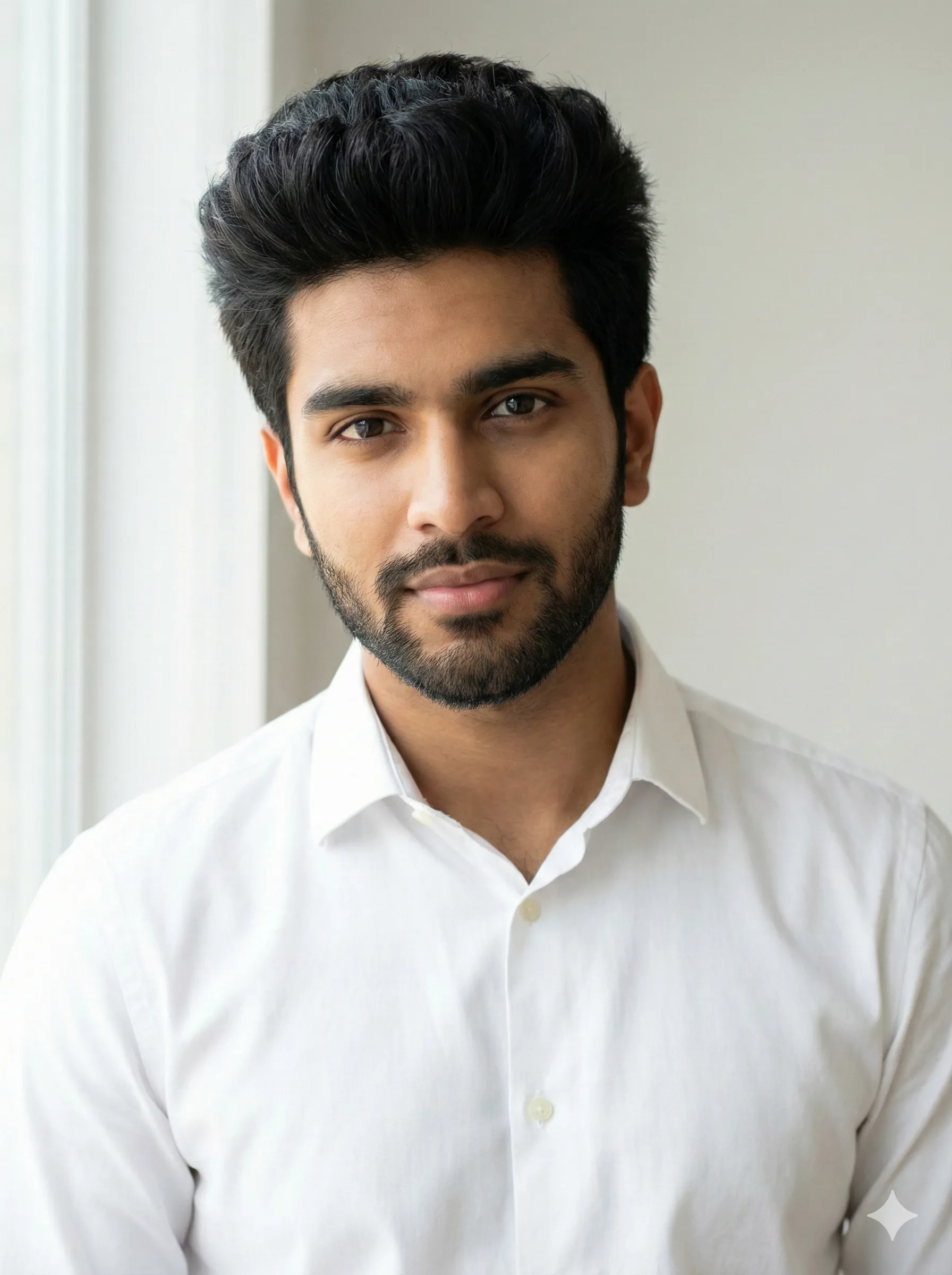
For best results, choose a photo with:
- Clear, high-contrast lighting
- Visible facial features (no sunglasses)
- Front-facing or three-quarter angle
- Simple, uncluttered background
- Resolution of at least 1080x1080 pixels
Access ChatGPT
Open ChatGPT (GPT-4o or Plus subscription recommended). Free users have limited image generations per day — typically around 5 images.
Upload and Prompt
Upload your photo and use one of these proven prompts:
Basic Prompt:
"Create a caricature of me and my job based on everything you know about me."
Detailed Prompt (Recommended):
"Create a caricature of me as a [your profession]. I work primarily with [tools/items], and I'm known for [characteristics]. Use playful but respectful exaggeration, clean outlines, and a vibrant color palette. Include objects that represent my work around me."
Professional Template:
"You are a magazine caricaturist. Create a 4:5 portrait caricature with clean outlines, high contrast, and a flat-color palette. Focus on likeness while keeping exaggeration tasteful. Surround me with items representing my work as a [profession]."
Refine and Iterate
Don't settle for the first result. Try variations:
- Request "more whimsical" or "more realistic"
- Add specific objects you want included
- Adjust the level of exaggeration
- Try different color palettes
Profession-Specific Prompt Examples
Tech Professionals
"Create a caricature of me as a software developer, surrounded by multiple monitors showing code, coffee cups, mechanical keyboards, and debugging symbols. Keep the style playful with clean lines."
Healthcare Workers
"Make a caricature portrait of me as a nurse/doctor with stethoscope, medical charts, and caring expression. Include subtle hospital elements in the background."
Creative Professionals
"Design a caricature of me as a graphic designer with digital stylus, color swatches floating around, and creative chaos in the background. Use vibrant colors."
Educators
"Create a caricature of me as a teacher surrounded by books, an apple, a chalkboard with equations, and enthusiastic students in the background."
Alternative Tools for AI Caricatures
While ChatGPT leads the trend, several alternatives offer unique advantages:
CartoonPerson
Best OverallFor those seeking professional-quality cartoon avatars without the ChatGPT learning curve, CartoonPerson offers:
- 29+ Art Styles: Including caricature, anime, Pixar 3D, and more
- Instant Results: No prompt engineering required
- 4K Resolution: Higher quality than ChatGPT output
- Consistent Style: Guaranteed aesthetic every time
- No Subscription: Pay per generation, not monthly fees
Other notable alternatives
| Tool | Best For | Key Feature |
|---|---|---|
| MyEdit | Animation | Image-to-video conversion |
| Media.io | Quick edits | Browser-based simplicity |
| Midjourney | Artistic styles | Highest aesthetic quality |
| Adobe Firefly | Professionals | Creative Cloud integration |
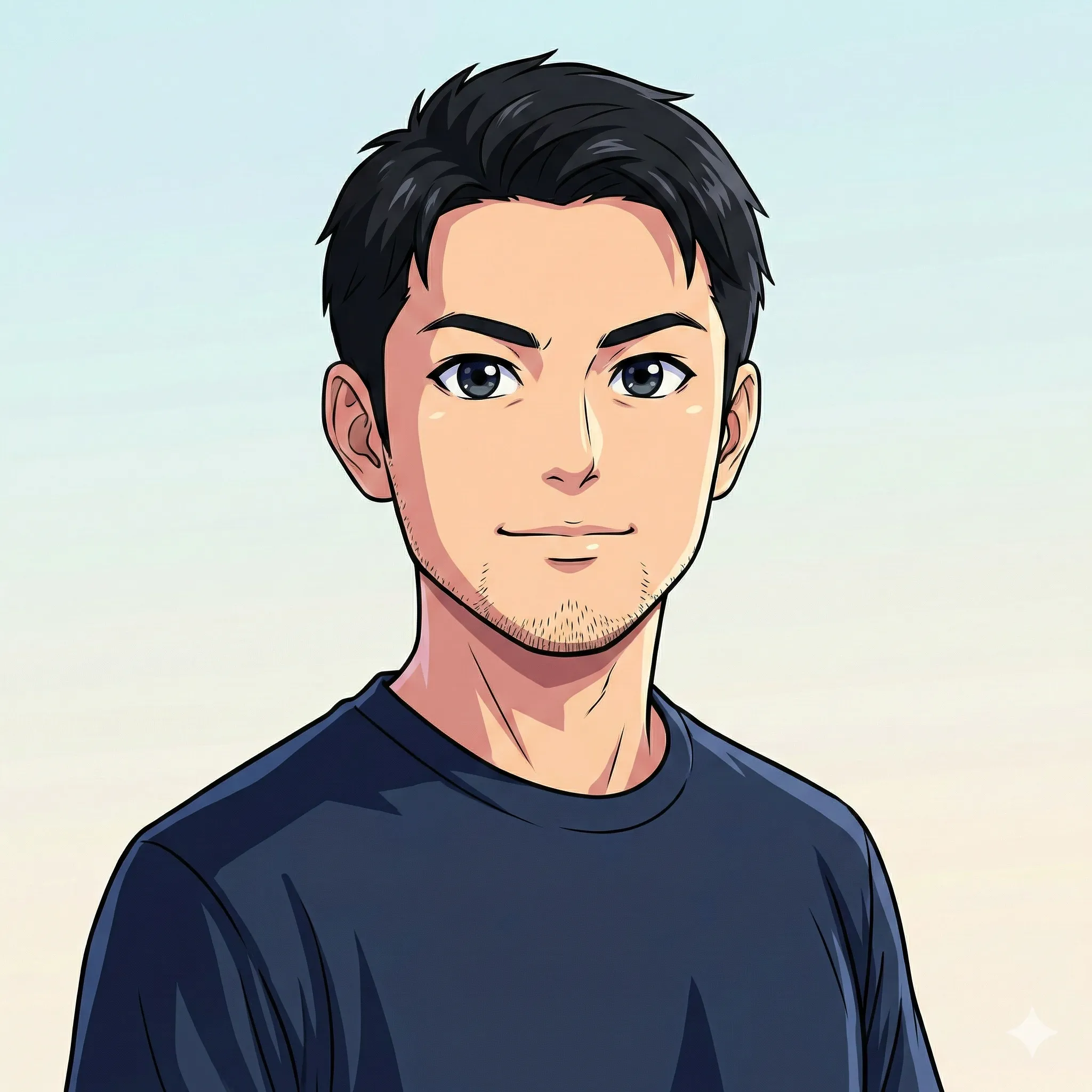
Tips for the Best Caricature Results
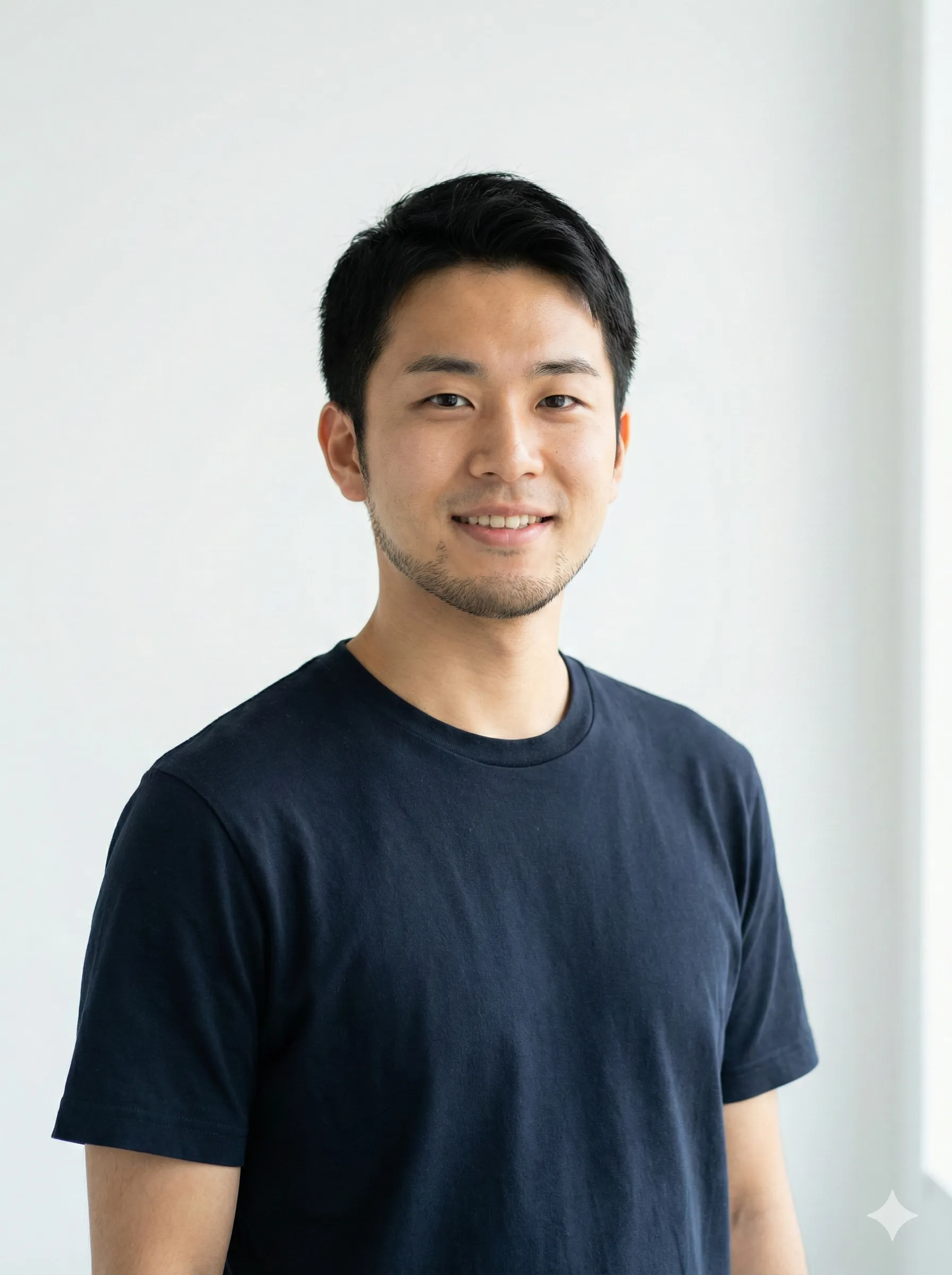
Photo Selection Secrets
Outdoor or window light creates ideal contrast
Natural Lighting
Slight smiles work better than extreme expressions
Neutral Expression
Keep hair visible and styled as you prefer
Hair Visibility
Plain backgrounds yield cleaner results
Remove Distractions
Prompt Engineering Tips
Pro Tip
Use specific nouns rather than vague adjectives. Include your profession and key work tools, mention your preferred art style (whimsical, realistic, minimal), and always ask for "playful but respectful" exaggeration. Request specific items you want in the scene to get the most personalized result.
Common Mistakes to Avoid
Avoid these pitfalls
- Using low-resolution photos
- Wearing sunglasses or face-obscuring accessories
- Providing overly long, confusing prompts
- Expecting perfection on the first try
- Ignoring the 4:5 aspect ratio for social media
Beyond Caricatures: Related AI Trends
The caricature trend is part of a larger AI art movement in 2026:
Chibi Characters
Adorable anime-style avatars with oversized heads and tiny bodies, perfect for cute profile pictures and stickers.
AI Action Figures
Transform yourself into a collectible toy-style figure, complete with packaging and accessories.
Blythe Doll Filter
Vintage doll aesthetic with large eyes and delicate features, popular among collectors and artists.
Each trend uses similar technology but with different aesthetic goals — and CartoonPerson supports many of these styles in one platform.
Frequently Asked Questions
Is the ChatGPT caricature trend safe for my photos?
ChatGPT processes images according to OpenAI's privacy policy. For maximum privacy, consider using offline or privacy-focused alternatives like CartoonPerson, which doesn't store your original photos.
Can I use my AI caricature commercially?
Check the terms of service for your chosen tool. Most free tiers restrict commercial use. CartoonPerson offers commercial licensing for business applications.
Why doesn't my caricature look like me?
Common causes include poor photo quality, extreme angles, or overly complex prompts. Try a clearer photo with simple instructions first.
How many generations do I get for free?
ChatGPT free tier offers approximately 5 image generations daily. CartoonPerson offers free trials for new users.
What resolution are ChatGPT caricatures?
Standard output is 1024x1024 pixels. For higher resolution (4K), tools like CartoonPerson offer superior output quality.
Can I animate my caricature?
Yes. Use tools like MyEdit's Image-to-Video feature to add movement to your static caricature.
Create Your Perfect Caricature Today
The ChatGPT caricature trend has proven that AI can capture not just our appearance but our identity — our work, our passions, and our personality. Whether you join the millions using ChatGPT or choose a dedicated tool like CartoonPerson for consistent, high-quality results, now is the perfect time to create your own AI caricature.
Ready to transform yourself into cartoon form? Try CartoonPerson for instant, studio-quality caricatures in 29+ styles, or experiment with ChatGPT prompts to find your perfect look. Either way, your unique AI caricature is just a click away.
Interested in more AI art styles? Explore our guide on how to turn photos into anime and discover the full range of cartoon transformations available in 2026.

