
Comic Line Art Portrait StyleAI Cartoon Generator
Bold ink, powerful storytelling
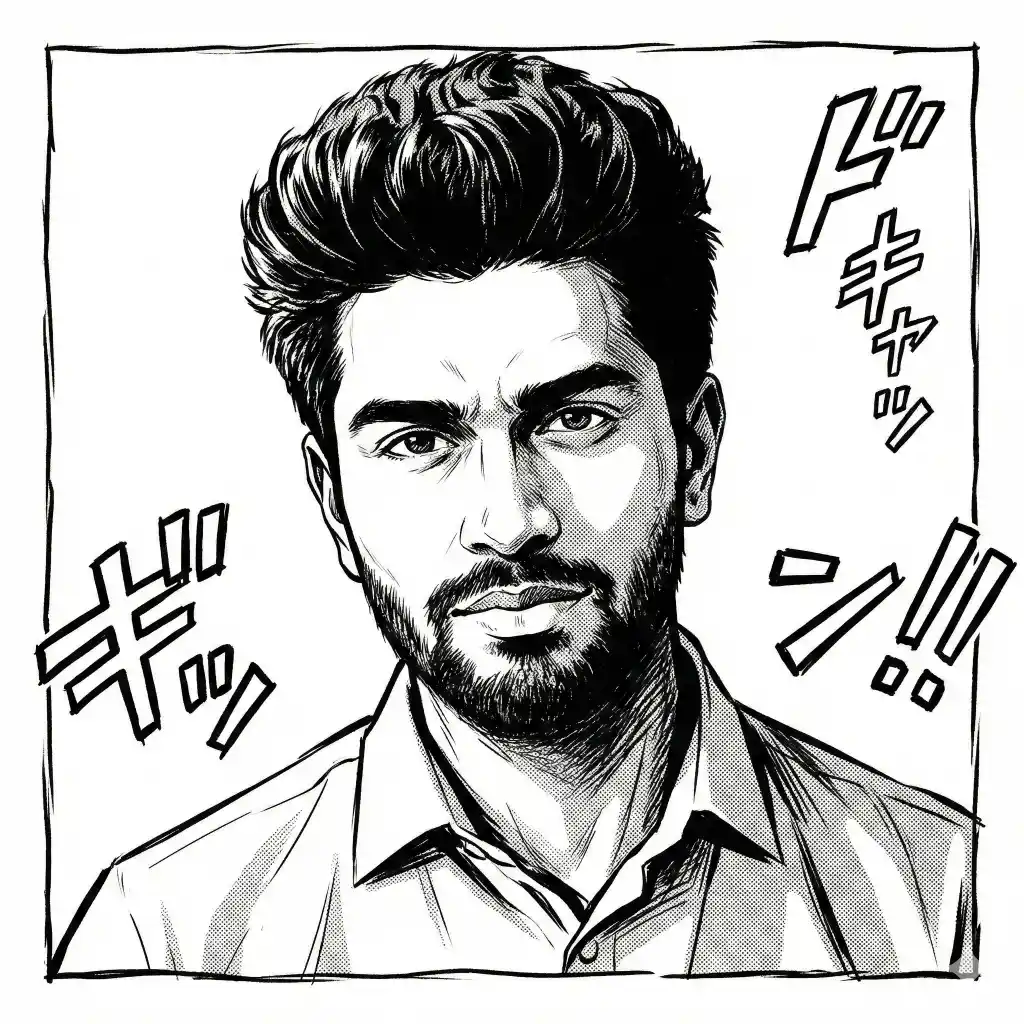
Upload a clear portrait photo, choose Comic Line Art, and get an original comic book line art portrait with bold inked contours, solid black shadows and cross-hatched shading. Your photo guides the character; likeness varies.
Uploading does not require an account; generating uses 4 credits per generation. See credit packs
Photo tips
- Clear, in-focus photo
- Face the camera (front-facing)
- Even, soft lighting
- One person in the frame
Sample details
- Style preset
- Comic Line Art
- Sample size
- 2048 × 2048 px (measured)
- First recorded in repository
- 2026-02-02
- Default generator (site configuration)
- nano-banana-2, via kie, 2K requested (in our code since 2026-04-13)
- Input photo
- not shown
This sample predates the current generator, so new results may look different.
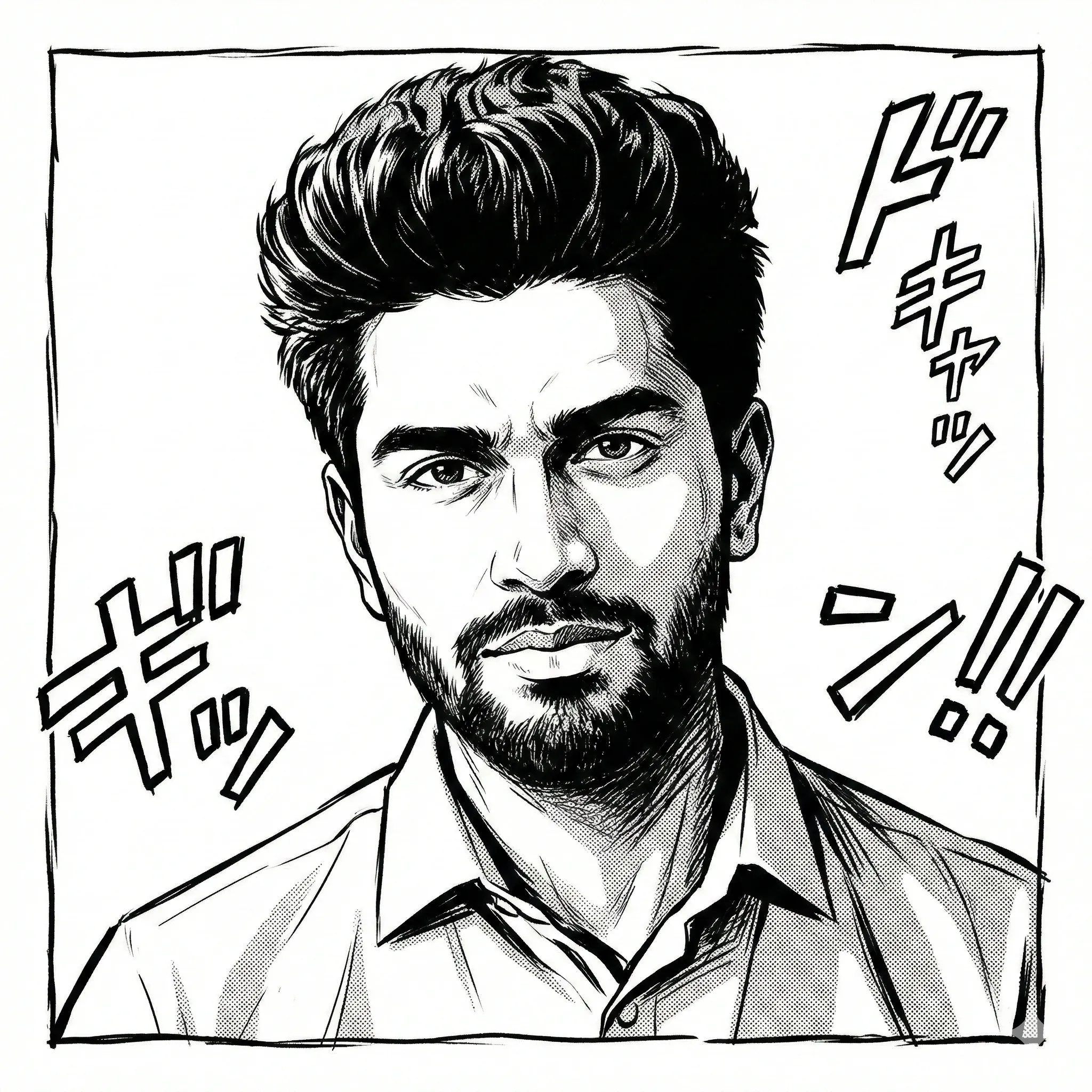 AI-generated sample · fictional character💢 Comic Line Art
Comic Line Art generator specs
| Specification | Value |
|---|---|
| Credits per generation | 4 |
| Resolution request | Requested at 2K resolution; the returned size can vary |
| Published sample (measured) | 2048 × 2048 px WebP, 498,048 bytes |
| Look (from the style preset) | Black ink on white: bold outlines, solid black shadows, hatching; optional subtle halftone dots or gray tones |
| File type you download | Raster image (no vector or SVG export) |
| Upload formats & max size | JPG, PNG, WEBP; max 10 MB |
| Account needed to upload | No |
- Published sample (measured 2026-11-12): we downloaded the Comic Line Art sample shown on this page (comic-line-cartoon.webp), counted the bytes of the downloaded file and read its pixel size. The file was first recorded in our repository on 2026-02-02 and predates the current generator, so it shows the style, not a guaranteed output size.
- Credits, upload limits and the resolution request are read from the site's product configuration as of 2026-11-12. The site-wide estimate is that a cartoon is usually ready in a few minutes; we have not separately timed Comic Line Art.
- Download window (24 hours) and commercial use on every plan: read from the site's product configuration and our Terms of Service on 2026-11-12.
Sources: Published sample image (WebP) · Terms of Service · Credit packs and pricing
Comic line art vs. line drawing vs. pencil sketch
These three looks are often searched together. The table is general visual guidance on how they differ, not a test of other tools. This page makes the first one.
Swipe the table sideways to see all columns.
| Attribute | Comic line art (this style) | Outline line drawing | Pencil sketch |
|---|---|---|---|
| Lines | Bold inked contours with thick-to-thin weight | Thin, even outlines | Soft graphite strokes |
| Shadows | Solid black areas plus hatching | Usually none | Smudged gray shading |
| Color | Black and white, sometimes gray tones | Black and white | Gray scale |
| Best for | Graphic profile pictures, comic-style character art, bold prints | Coloring pages, tracing, cutting | Hand-drawn portrait look |
Tips for a better comic line art portrait
- Use a sharp photo with one person and the face clearly visible, front-on or three-quarter view.
- Use even, soft light so the whole face is visible; the style adds its own solid black shadows and hatching, so you do not need dramatic lighting.
- A plain background keeps attention on the person; the Comic Line Art preset requests a minimal background or dramatic contrast, so background details may change.
- Skip heavy beauty filters and existing cartoon effects; they hide the face details the ink lines are drawn from.
- Comic Line Art is a fixed preset: there are no stroke-width, hatching or prompt controls. If you want a different look, pick another style and generate again.
- Before you download, check the eyes, hands and any text-like marks in the background; if something looks off, generate again (each run uses 4 credits).
When Comic Line Art fits, and when another option fits better
Swipe the table sideways to see all columns.
| Your goal | Good fit? | Better option if not |
|---|---|---|
| Bold black-and-white profile picture or print | Yes. This is what the preset is built for. | — |
| Colored comic or cartoon look | No. The preset outputs black ink with optional gray tones. | Pick a color style such as Pop Art or Classic 2D Animation. |
| Outline-only coloring page | No. Shadows are already filled with black and hatching. | Trace the outlines by hand or use a dedicated line-drawing tool. |
| Vector file for cutting machines or logos | No. You download a raster image. | Run the download through a vector-tracing tool, or hire an illustrator. |
| An exact likeness or a specific artist's hand | No. Likeness varies and the look is a fixed preset. | Commission a human comic artist. |
Compare with: Pop Art style · Classic 2D Animation style
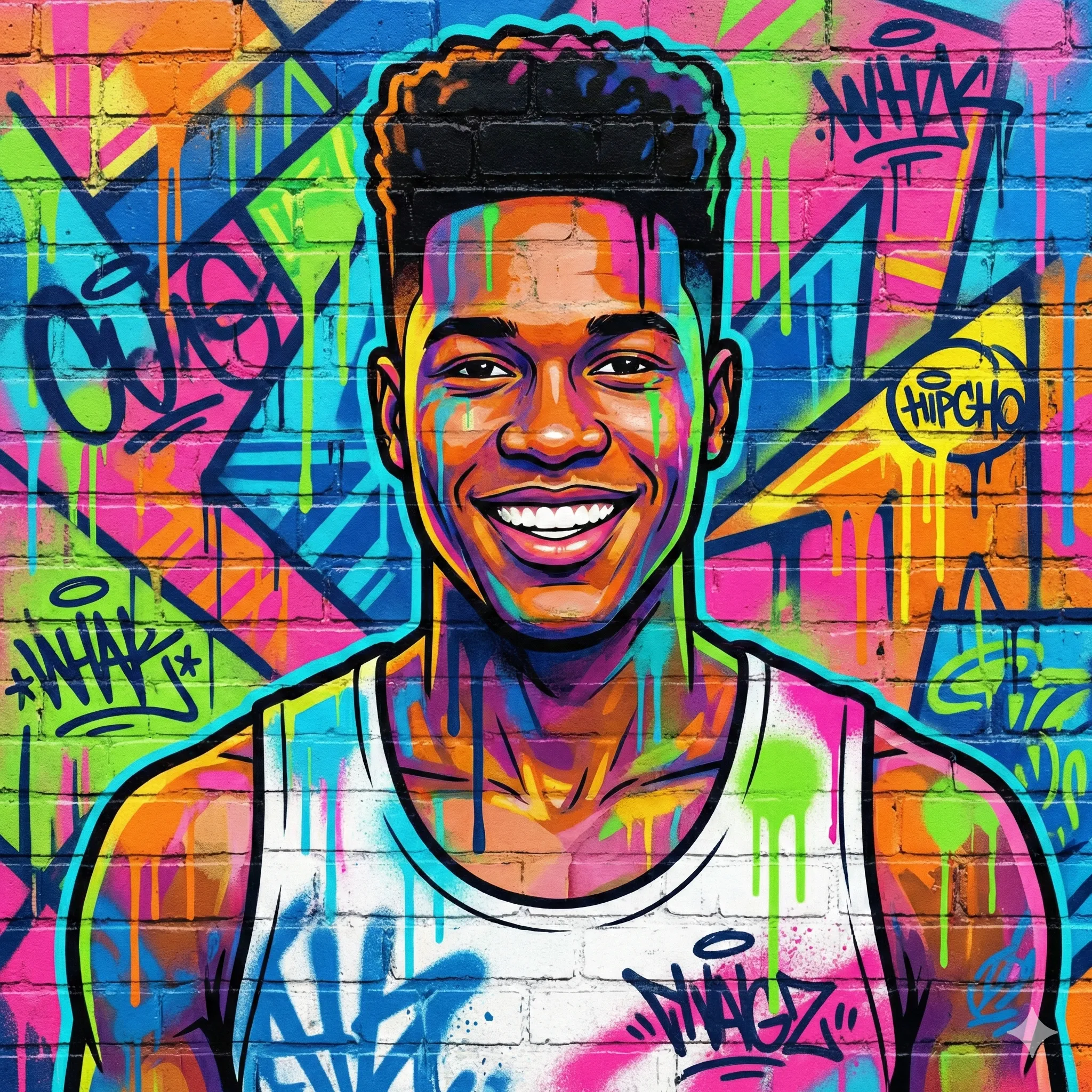
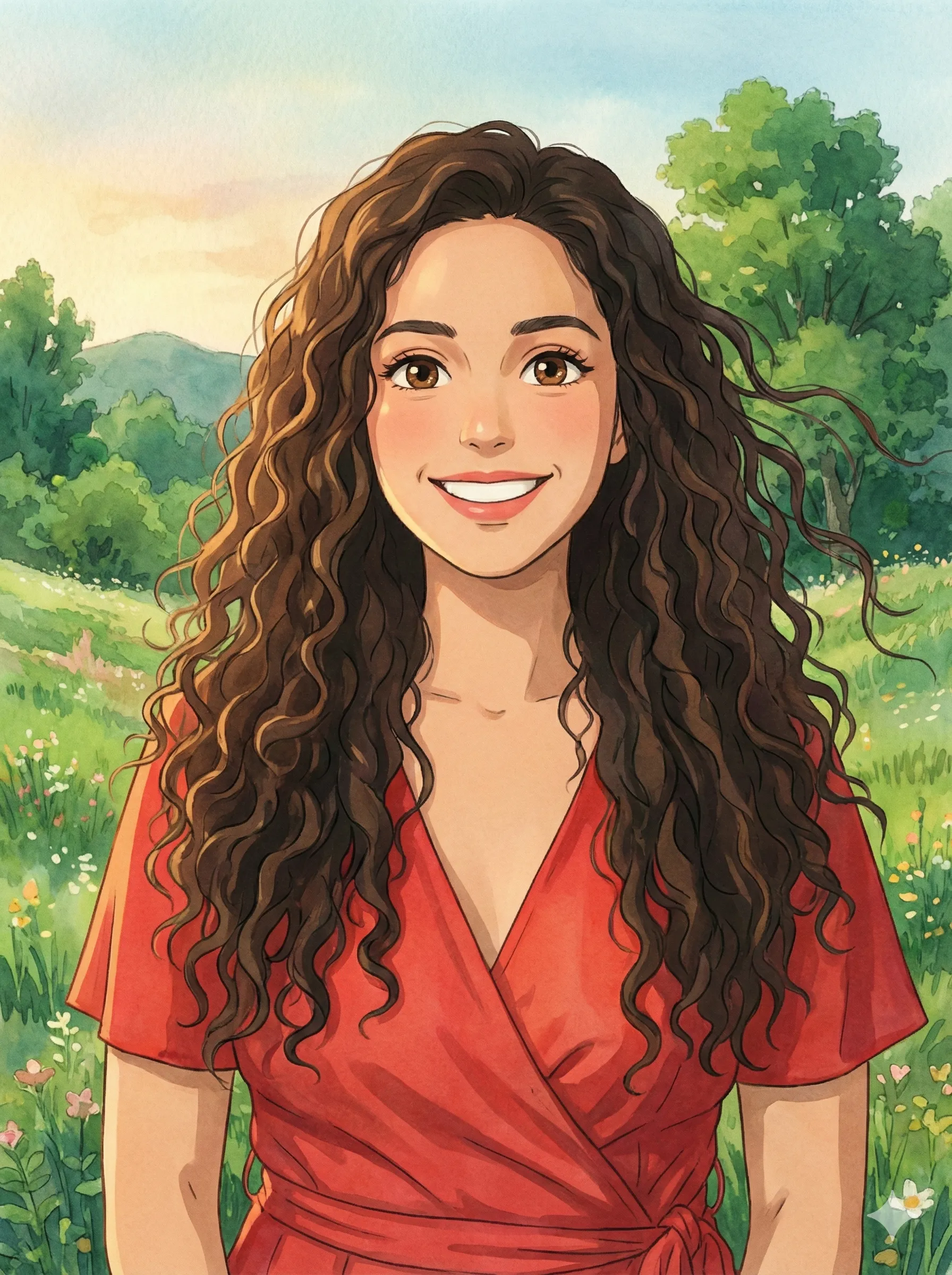
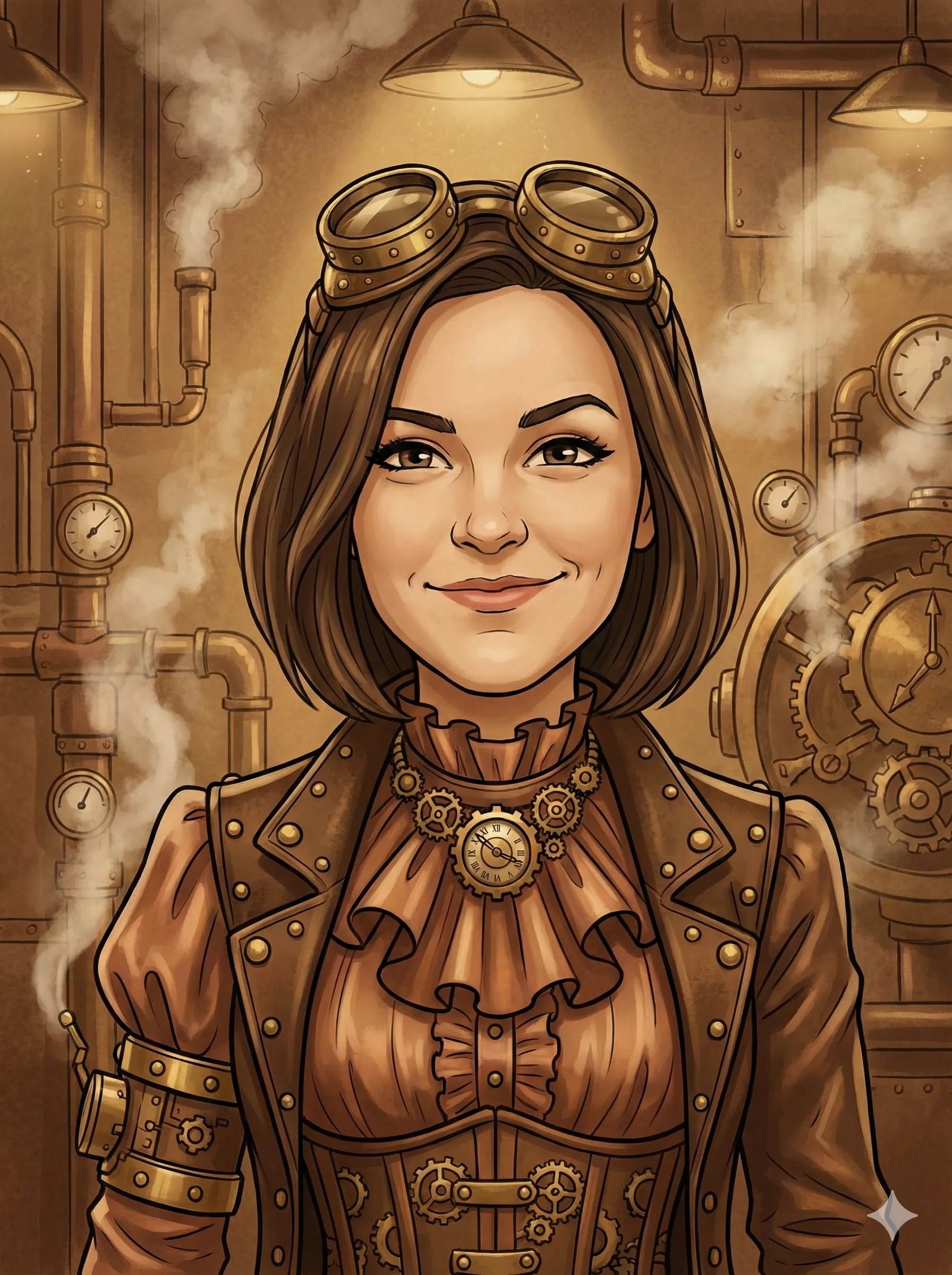
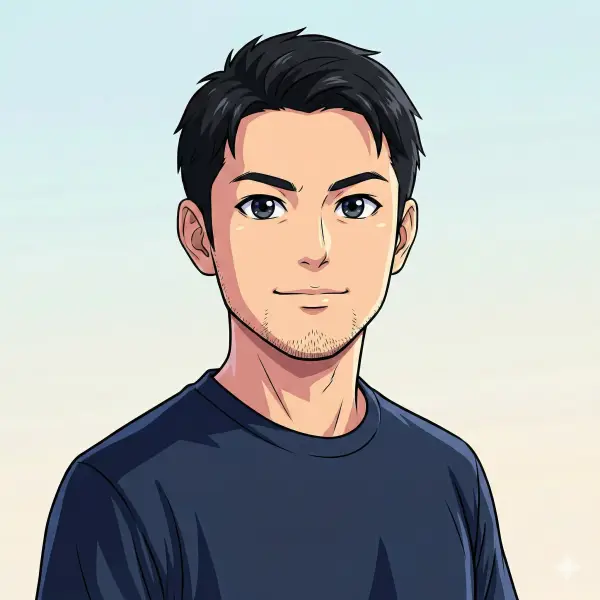
About the Comic Line Art style
What comic inking is and what this preset asks the generator for
AI-generated · fictionalComic line art is the inked stage of a comic page: an artist goes over the pencil drawing with pen or brush, using thick outer contours and thinner interior lines, fills the darkest areas with solid black ("spot blacks"), and builds mid-tones with parallel or cross-hatched lines instead of gray paint. The result reads clearly at small sizes and prints well in pure black and white, which is why the look is used for comic books, manga, storyboards and posters.
The Comic Line Art preset on CartoonPerson asks the generator for exactly those ingredients: bold black outlines with varying line weight, solid black shadow areas, hatching for mid-tones, white highlights and a minimal background, with optional subtle halftone dots or gray tones. It is a single fixed comic-inking preset, and your photo guides the face, hair, clothing and pose.
What a Comic Line Art portrait looks like
The core artistic techniques that define Comic Line Art
Bold outlines with varied line thickness
Thick contour lines separate the figure from the background, medium lines mark the main forms and shadow edges, and fine lines pick out hair strands and fabric folds. The preset asks for this heavy-to-fine line weight hierarchy.
Solid black shadows (spot blacks)
The darkest areas, such as hair, the shadow side of the face and deep clothing folds, are filled with flat black instead of gray shading. The preset asks for these spot blacks to give the portrait strong contrast.
Cross-hatching for shaded areas
Mid-tones are built from parallel lines or crossed lines rather than gray paint, so denser hatching reads as a darker tone. The preset asks for hatching on mid-tones and leaves clean white areas for highlights.
How to Turn Your Photo into Comic Line Art
Transform your photo into comic line art in 3 simple steps
Upload Your Photo
Choose any portrait photo from your device. Use a clear, front-facing photo with the whole face visible.
Select Comic Line Art and Generate
Choose Comic Line Art, then click Generate. Each generation uses 4 credits; no account needed. Your photo guides the character; likeness varies.
Download Your Portrait
Your original cartoon portrait is ready in a few minutes. Download the result. Generation is requested at 2K resolution with KIE; the returned size can vary.
Uploading does not require an account; generating uses 4 credits per generation.
Ways to Use Your Comic Line Art Portrait
Comic Line Art FAQ
Create Your Comic Line Art
Portrait💢
Upload your photo and get an original comic line art portrait in a few minutes.